
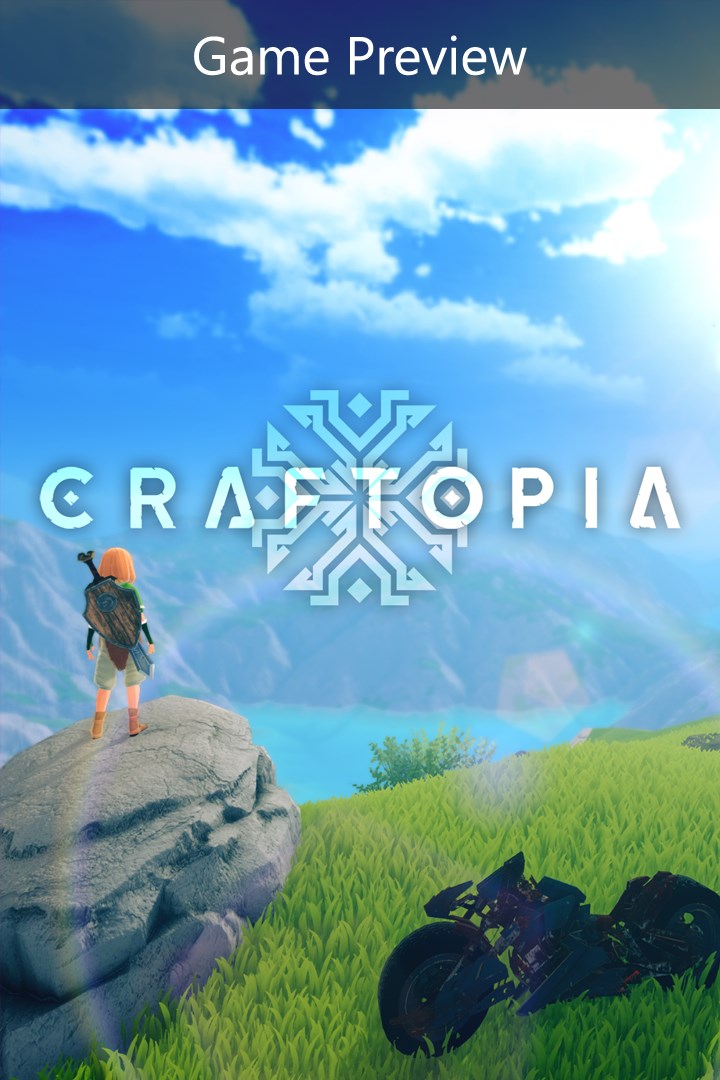
Craftopia (Game Preview)
Details
- Publisher
- Pocketpair
- Developer
- Pocketpair
- Release date
- —
- Age rating
- ESRB:T
- Localization
- English
Purchase options
Platform
Primary: our account is set as the home Xbox of your console ("My home Xbox"), so the game is shared with your own profile and works offline — that is one slot on one console. Secondary: you sign in to our account and launch the game from it, and the console has to stay online. The activation code is an extra option: it is redeemed on your own account, and the game stays there forever.
You install the game from our account and set our account as the home one ("My home Xbox"): after that you play from your own profile, and the progress and achievements stay yours. It works offline.
You sign in to our account and play right from it. A permanent internet connection is required and only the issued profile can be used. It costs less than the primary access.
A bonus way to buy: you get a 25-character code and redeem it on your own account. The game stays with you forever, no other profiles and no sign-in to a shared account.
What happens after payment
About the game
This game is still under development, and its content and features are subject to change in the development processes until the final release. Please acknowledge that it is not yet a finished product at the moment before proceeding to purchase it.
Craftopia is the brand new multiplayer open-world survival action game.
We have imagined what would happen when we combine our favorite video games altogether.
Chop trees and mine stones as in Sandbox,
Explore the world as in Open-world,
Fight the hunger as in Survival,
Cultivate and harvest as in Farming,
Collect loots in dungeons as in Hack-and-slash,
Automate activities as in Factory management,
Hunt monsters and creatures as in Hunting action,
Cast magical spells as in Fantasy RPG.
Now we have a utopia for all of us. That is Craftopia.
Farming
20+ crops are available for you to grow. Of course, you can grow crops one by one, but there are more you can do. With the power of agricultural machines, you can have large scale fields.
While enjoying your self-sufficient life, why not make your colorful orchards?
Industrialization and Automation
You can automate every single item gathering. When you get tired of cutting woods and mining stones? Let's automate!
...Tired of automation of simple activities? Then let's start using belt-conveyers to build huge factories.
Breeding
By throwing Monster Prism at creatures, you can catch them as a pet. Not only animals like cows and deer, but most of the monsters are also tamable. Monsters, Gotta Catch 'Em All!
Exploring Dungeons
When the detector starts beeping, it's the sign that you're getting close to a dangerous dungeon. Back to the town to equip yourself, then enter the dungeon in the hope of finding treasures. It changes its shape every time you enter. At the end of the dungeon, you will encounter bosses to fight.
You will gain new abilities when you unleash the power of the world.
Fishing
In Craftopia, you can enjoy fishing too. Taste some fresh fish, and craft a shield from turtle shells! Once you get used to fishing on the coastline, it's time to build a ship to sail! Let's catch a whale!
Vehicles
Hoverboards, motorbikes, helicopters, automobiles, biplanes, tanks, air balloons, and machinery... Gather materials to craft what you want to ride! You can share a ride with your friends to explore the world together!
Skill Tree
100+ skills to learn in Craftopia. You can create your character by learning various skills. Some are good at crafting; some are skilled at broad swords; some might do better in automation. Your job will vary throughout the adventure, depending on your play styles!
Character Creation
Gender/sex, race, hairstyle, eyes, faces, skin tones, facial hairs, face painting, you can customize all of them!
Multiplayer
Multiplayer is available. You can build factories, explore dungeons, catch fish with your friends. The choice is yours! You can be an assassin if you want to.
Screenshots
Click a frame to open it larger, use the arrows to browse
How to activate
Guide for Xbox One
Primary — the game is shared with your own profile
- 1Press the Xbox button, open "Profile & system" → "Add or switch" → "Add new" and sign in with the login and password from your order.
- 2Now open "Settings" → "General" → "Personalization" → "My home Xbox" and choose "Make this my home Xbox". This is what shares our games with every profile on your console.
- 3Switch back to your own profile, open "My games & apps" → "Library" and install the game. The internet is only needed for the download.
- 4Launch the game from your own profile: achievements, saves and progress stay yours, and after the installation the game works offline.
Only one console at a time can be the home Xbox for our account — that is the slot you bought. Please do not change the password, the email or the two-factor settings of the account, or the access will be blocked.
Secondary — you play from our account
- 1Press the Xbox button, open "Profile & system" → "Add or switch" → "Add new" and sign in with the login and password from your order.
- 2Open "My games & apps" → "Library", switch to our profile in the top-left corner and install the game.
- 3Launch the game while our profile stays signed in, and keep the console online: the licence is checked over the internet.
- 4Use your own profile for everything else — the game stays available as long as our account is signed in on this console.
Secondary costs less, but it needs a permanent internet connection and our account stays signed in on your console.
Activation code
- 1On the console open "Store" and go to the "Redeem code" section.
- 2Enter the 25-character code from your order and confirm the activation on your own account.
- 3After the activation the code is shown as "Used" — but you can reinstall the game from your library at any time.
Notes for Xbox One
Important
How to play online
Warranty and support
The warranty covers the whole period of use of the account. If the access stops working, we replace the account or refund your money.
- If the game stops launching, we replace the account or refund your money.
- Average support response time — 15–30 minutes during working hours.
- The warranty covers the whole rental period of the access.
Support
Telegram: @weskars
E-mail: support@gears.games
Working hours: daily 11:00 – 23:00 (UTC+3)
Every order goes through clear stages: "New" → "Awaiting payment" → "Paid" → "Delivered". You can follow the status in your account page.
Similar games
More games in the "Action & adventure" genre



