
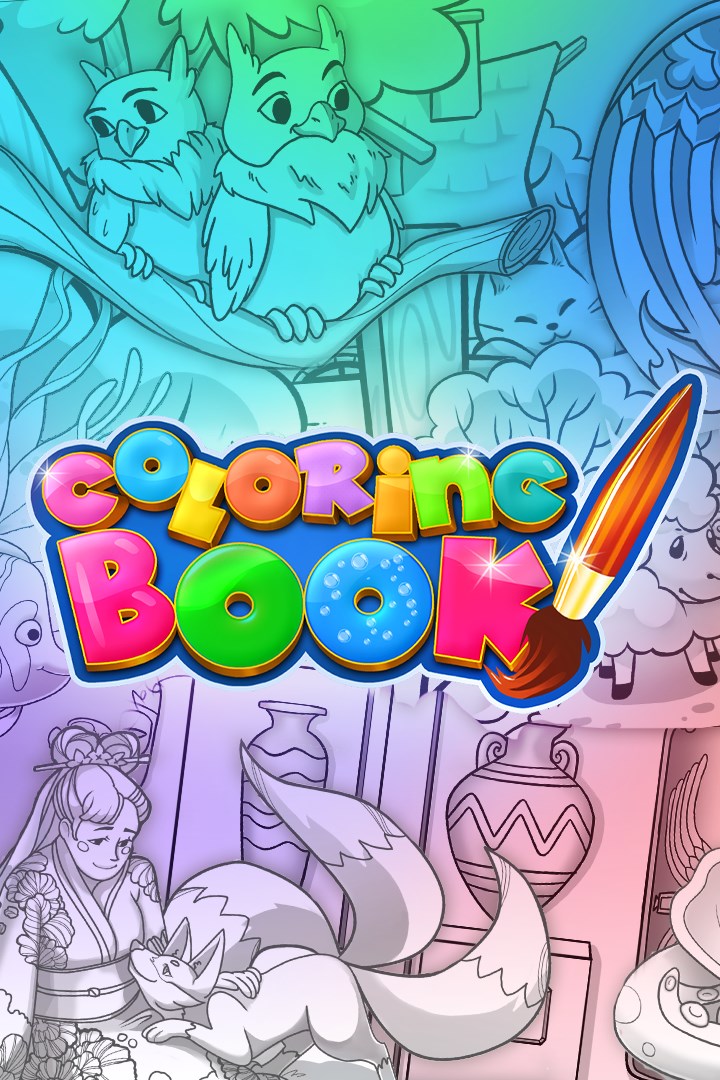
Coloring Book
Details
- Publisher
- QubicGames S.A.
- Developer
- QubicGames
- Release date
- 24.12.2025
- Age rating
- ESRB:E
- Localization
- English
Purchase options
Not available
What happens after payment
About the game
Unleash your imagination in Coloring Book! Explore a wide selection of beautiful drawings and whiteboards, all organized into creative themed collections:
● Basic Chapter
● Jungle
● Space
● Family & Home
● Vehicles
● Costume Party
● Sweet Princess
● Cosmos Fun
● Silly Animals
● Ocean Animals
● Farm Life
● Treasure Adventure
● Adventure
● Classic Tales
No limits to your creativity:
- A palette of 310 colors for fantastic nuances
- 9 tools offering advanced effects and convenience – like a brush that always stays inside the lines
- The Whiteboard chapter offers you an empty canvas to unleash your creativity
Share your creations:
- Up to 4 players can color at the same time!
With its large range of options, Coloring Book is perfect for young and older children but can also be a great way to relax for adults.
Screenshots
Click a frame to open it larger, use the arrows to browse
How to activate
Guide for Xbox One
Primary — the game is shared with your own profile
- 1Press the Xbox button, open "Profile & system" → "Add or switch" → "Add new" and sign in with the login and password from your order.
- 2Now open "Settings" → "General" → "Personalization" → "My home Xbox" and choose "Make this my home Xbox". This is what shares our games with every profile on your console.
- 3Switch back to your own profile, open "My games & apps" → "Library" and install the game. The internet is only needed for the download.
- 4Launch the game from your own profile: achievements, saves and progress stay yours, and after the installation the game works offline.
Only one console at a time can be the home Xbox for our account — that is the slot you bought. Please do not change the password, the email or the two-factor settings of the account, or the access will be blocked.
Notes for Xbox One
Important
How to play online
Warranty and support
The warranty covers the whole period of use of the account. If the access stops working, we replace the account or refund your money.
- If the game stops launching, we replace the account or refund your money.
- Average support response time — 15–30 minutes during working hours.
- The warranty covers the whole rental period of the access.
Support
Telegram: @weskars
E-mail: support@gears.games
Working hours: daily 11:00 – 23:00 (UTC+3)
Every order goes through clear stages: "New" → "Awaiting payment" → "Paid" → "Delivered". You can follow the status in your account page.
Similar games
More games in the "Simulation" genre



