
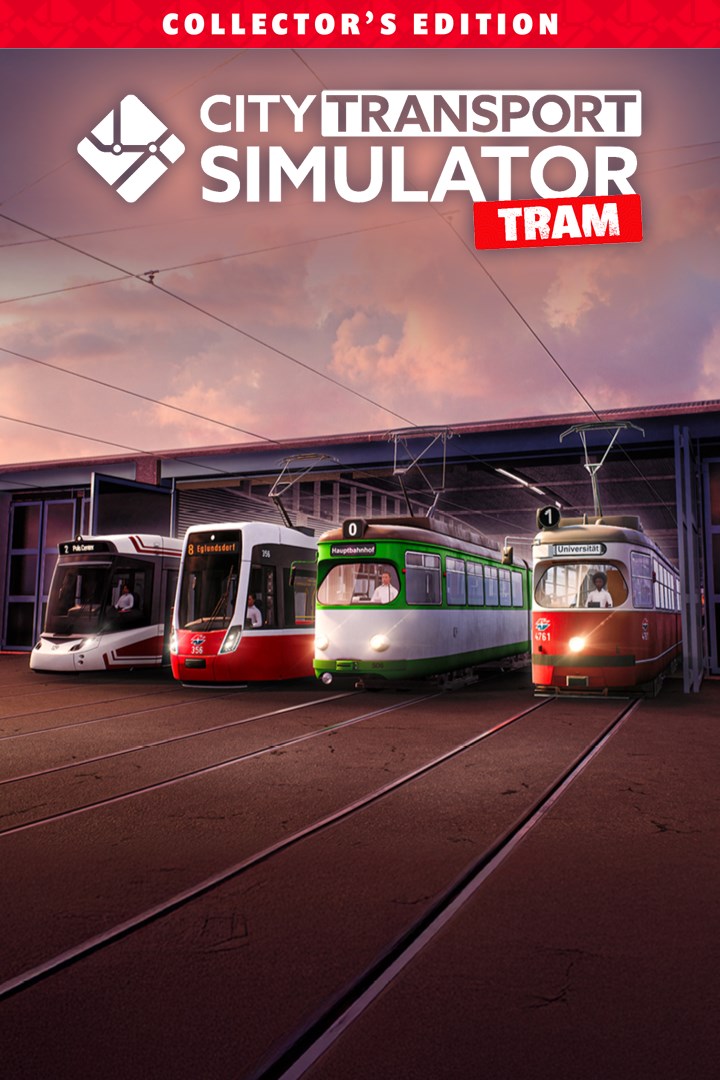
City Transport Simulator: Tram - Collector's Edition
Details
- Publisher
- ViewApp
- Developer
- ViewApp
- Release date
- 28.01.2025
- Age rating
- ESRB:E
- Localization
- English
Purchase options
Primary: our account is set as the home Xbox of your console ("My home Xbox"), so the game is shared with your own profile and works offline — that is one slot on one console. Secondary: you sign in to our account and launch the game from it, and the console has to stay online. The activation code is an extra option: it is redeemed on your own account, and the game stays there forever.
You install the game from our account and set our account as the home one ("My home Xbox"): after that you play from your own profile, and the progress and achievements stay yours. It works offline.
You sign in to our account and play right from it. A permanent internet connection is required and only the issued profile can be used. It costs less than the primary access.
A bonus way to buy: you get a 25-character code and redeem it on your own account. The game stays with you forever, no other profiles and no sign-in to a shared account.
What happens after payment
About the game
Out Now!
Become a tram driver, so hop into the cab for the ultimate tram driving experience in the Collector’s edition of City Transport Simulator: Tram!
In addition to the five real-world trams included in the Standard and Deluxe editions (ULF B1, R2.2b, ULF A1, StadtRegioTram, and Type D Vienna), the Collector’s edition also includes the E1 Vienna and the GT8N Mannheim! Hit the city streets of Tramau, transport your passengers while sticking to a timetable, and create your own tram routes to build up a fully functioning and effective tram network.
Career Mode
Become an operations manager for the entire tram network in career mode! From humble beginnings and limited resources, start off with a brand new fully customisable tram operation. As you pick up and drop off your passengers on time and carry out other tasks, you’ll earn XP to level up and unlock more operational resources. Use these new resources to expand your tram lines, increase your fleet of vehicles, and work towards building a city-sprawling interconnected tram network.
Sandbox Mode
No expectations, no pressure, just a chill tram drive. Take in the photo realistic graphics and true-to-life tram physics, day or night. Create tramlines with no limitations and transport your passengers how you see fit. Take your trams out for a spin and drive according to timetables: a purely classic tram driving experience.
Welcome to Tramau
Inspired by cities found in southern Germany, Tramau is a transit-friendly city which blends historical charm with forward innovation. Revel in the fun of creating a bustling, efficient tram network while admiring the city's skyline, punctuated with landmarks including a majestic cathedral that stands as a testament to Tramau's rich cultural heritage.
Screenshots
Click a frame to open it larger, use the arrows to browse
How to activate
Guide for Xbox Series X|S
Primary — the game is shared with your own profile
- 1Press the Xbox button, open "Profile & system" → "Add or switch" → "Add new" and sign in with the login and password from your order.
- 2Now open "Settings" → "General" → "Personalization" → "My home Xbox" and choose "Make this my home Xbox". This is what shares our games with every profile on your console.
- 3Switch back to your own profile, open "My games & apps" → "Library" and install the game. The internet is only needed for the download.
- 4Launch the game from your own profile: achievements, saves and progress stay yours, and after the installation the game works offline.
Only one console at a time can be the home Xbox for our account — that is the slot you bought. Please do not change the password, the email or the two-factor settings of the account, or the access will be blocked.
Secondary — you play from our account
- 1Press the Xbox button, open "Profile & system" → "Add or switch" → "Add new" and sign in with the login and password from your order.
- 2Open "My games & apps" → "Library", switch to our profile in the top-left corner and install the game.
- 3Launch the game while our profile stays signed in, and keep the console online: the licence is checked over the internet.
- 4Use your own profile for everything else — the game stays available as long as our account is signed in on this console.
Secondary costs less, but it needs a permanent internet connection and our account stays signed in on your console.
Activation code
- 1On the console open "Store" and go to the "Redeem code" section.
- 2Enter the 25-character code from your order and confirm the activation on your own account.
- 3After the activation the code is shown as "Used" — but you can reinstall the game from your library at any time.
Notes for Xbox Series
Important
How to play online
Warranty and support
The warranty covers the whole period of use of the account. If the access stops working, we replace the account or refund your money.
- If the game stops launching, we replace the account or refund your money.
- Average support response time — 15–30 minutes during working hours.
- The warranty covers the whole rental period of the access.
Support
Telegram: @weskars
E-mail: support@gears.games
Working hours: daily 11:00 – 23:00 (UTC+3)
Every order goes through clear stages: "New" → "Awaiting payment" → "Paid" → "Delivered". You can follow the status in your account page.
Similar games
More games in the "Simulation" genre



