
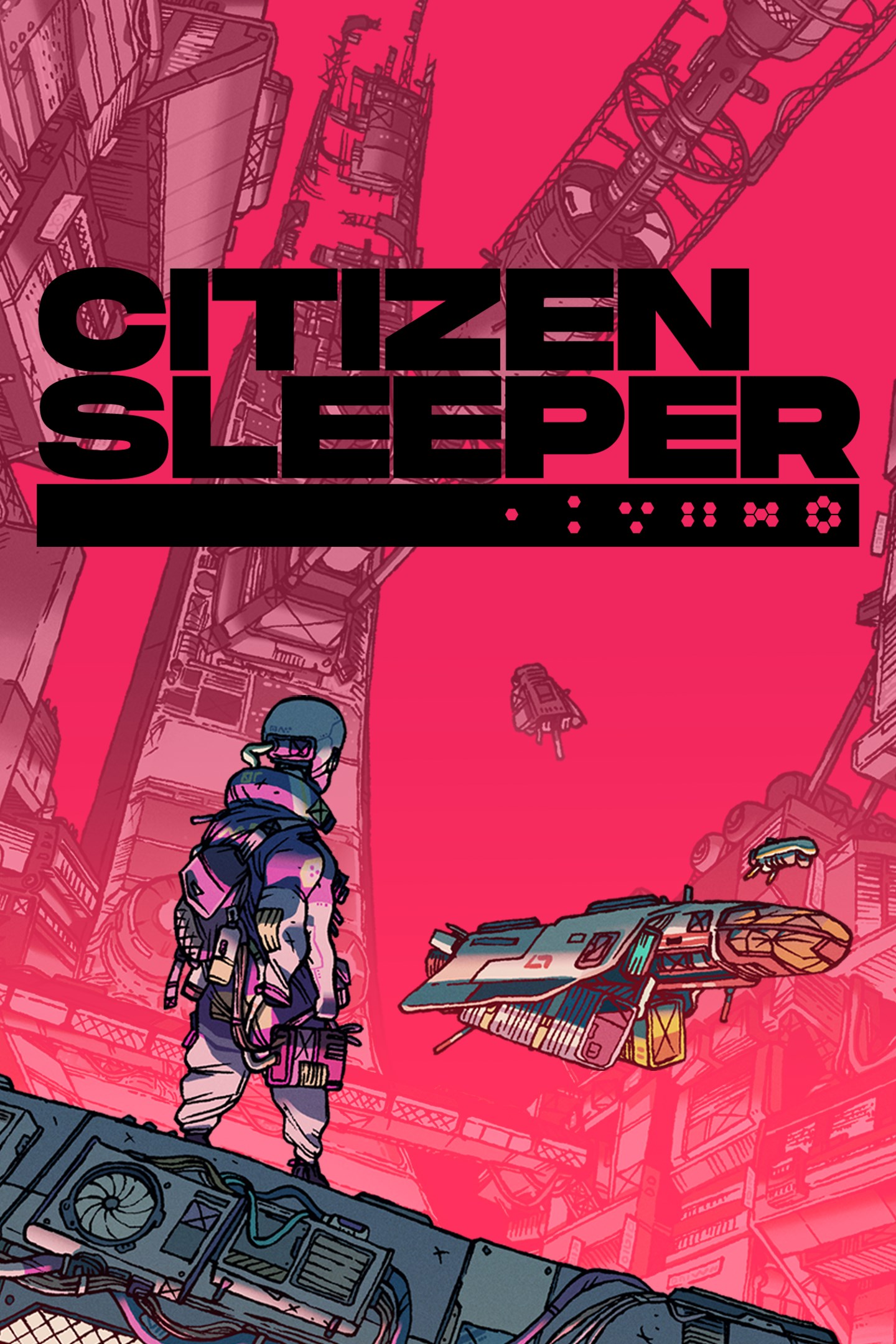
Citizen Sleeper
Details
- Publisher
- Fellow Traveller
- Developer
- Jump Over The Age
- Release date
- 05.05.2022
- Age rating
- ESRB:T
- Localization
- English
- Metascore
- 82 / 100
Source: Steam
Purchase options
Platform
Primary: our account is set as the home Xbox of your console ("My home Xbox"), so the game is shared with your own profile and works offline — that is one slot on one console. Secondary: you sign in to our account and launch the game from it, and the console has to stay online. The activation code is an extra option: it is redeemed on your own account, and the game stays there forever.
You install the game from our account and set our account as the home one ("My home Xbox"): after that you play from your own profile, and the progress and achievements stay yours. It works offline.
You sign in to our account and play right from it. A permanent internet connection is required and only the issued profile can be used. It costs less than the primary access.
A bonus way to buy: you get a 25-character code and redeem it on your own account. The game stays with you forever, no other profiles and no sign-in to a shared account.
What happens after payment
About the game
ROLEPLAYING IN THE RUINS OF INTERPLANETARY CAPITALISM
One of 2022’s most acclaimed indies, the Game Awards-nominated Citizen Sleeper is a Tabletop-inspired narrative RPG set on Erlin’s Eye, a ruined space station that is home to thousands of people trying to survive on the edges of an interstellar capitalist society.
You are a sleeper, a digitised human consciousness in an artificial body, owned by a corporation that wants you back. Thrust amongst the unfamiliar and colourful inhabitants of the Eye, you need to build friendships, earn your keep, and navigate the factions of this strange metropolis, if you hope to survive to see the next cycle.
ROLL THE DICE. DO THE WORK. GET PAID. SURVIVE.
Inspired by Tabletop Roleplaying games, Citizen Sleeper uses Dice, Clocks and Drives to create a player-led experience, where you choose your path in a rich and responsive world. Each cycle you use the dice you are dealt to choose what to do with your time. Make or break alliances, uncover truths and escape your hunters. Survive and ultimately thrive, one cycle at a time, and sometimes against the clock!
TURN UP FOR YOUR FRIENDS
The station plays host to characters from all walks of life, trying to eke out an existence among the stars. Salvagers, engineers, hackers, bartenders, street-food vendors, each has a history which brought them here. You choose which of them you wish to help, and together you will shape your future.
ACCESS THEIR SECRETS
Eventually, you will learn to use your dice to hack into the station’s cloud to access decades of digital data, uncover new areas and unlock secrets. This is your unique power, and with it you can change your future. Corporate secrets, rogue AIs and troves of lost data await those willing to dive into the depths of the station’s networks.
YOU WERE MADE TO DIE
Essen-Arp: to them you are just property, one more asset in a portfolio that stretches across the stars. You are the product of an abusive system, in a universe where humanity’s expansion is marked by exploitation and extraction. Escape the makers of your decaying body, and chart your own path in a richly imagined, deeply relevant sci-fi world which explores ideas of precarity, personhood and freedom.
Screenshots
Click a frame to open it larger, use the arrows to browse
How to activate
Guide for Xbox One
Primary — the game is shared with your own profile
- 1Press the Xbox button, open "Profile & system" → "Add or switch" → "Add new" and sign in with the login and password from your order.
- 2Now open "Settings" → "General" → "Personalization" → "My home Xbox" and choose "Make this my home Xbox". This is what shares our games with every profile on your console.
- 3Switch back to your own profile, open "My games & apps" → "Library" and install the game. The internet is only needed for the download.
- 4Launch the game from your own profile: achievements, saves and progress stay yours, and after the installation the game works offline.
Only one console at a time can be the home Xbox for our account — that is the slot you bought. Please do not change the password, the email or the two-factor settings of the account, or the access will be blocked.
Secondary — you play from our account
- 1Press the Xbox button, open "Profile & system" → "Add or switch" → "Add new" and sign in with the login and password from your order.
- 2Open "My games & apps" → "Library", switch to our profile in the top-left corner and install the game.
- 3Launch the game while our profile stays signed in, and keep the console online: the licence is checked over the internet.
- 4Use your own profile for everything else — the game stays available as long as our account is signed in on this console.
Secondary costs less, but it needs a permanent internet connection and our account stays signed in on your console.
Activation code
- 1On the console open "Store" and go to the "Redeem code" section.
- 2Enter the 25-character code from your order and confirm the activation on your own account.
- 3After the activation the code is shown as "Used" — but you can reinstall the game from your library at any time.
Notes for Xbox One
Important
How to play online
Warranty and support
The warranty covers the whole period of use of the account. If the access stops working, we replace the account or refund your money.
- If the game stops launching, we replace the account or refund your money.
- Average support response time — 15–30 minutes during working hours.
- The warranty covers the whole rental period of the access.
Support
Telegram: @weskars
E-mail: support@gears.games
Working hours: daily 11:00 – 23:00 (UTC+3)
Every order goes through clear stages: "New" → "Awaiting payment" → "Paid" → "Delivered". You can follow the status in your account page.
Similar games
More games in the "Action & adventure" genre



