
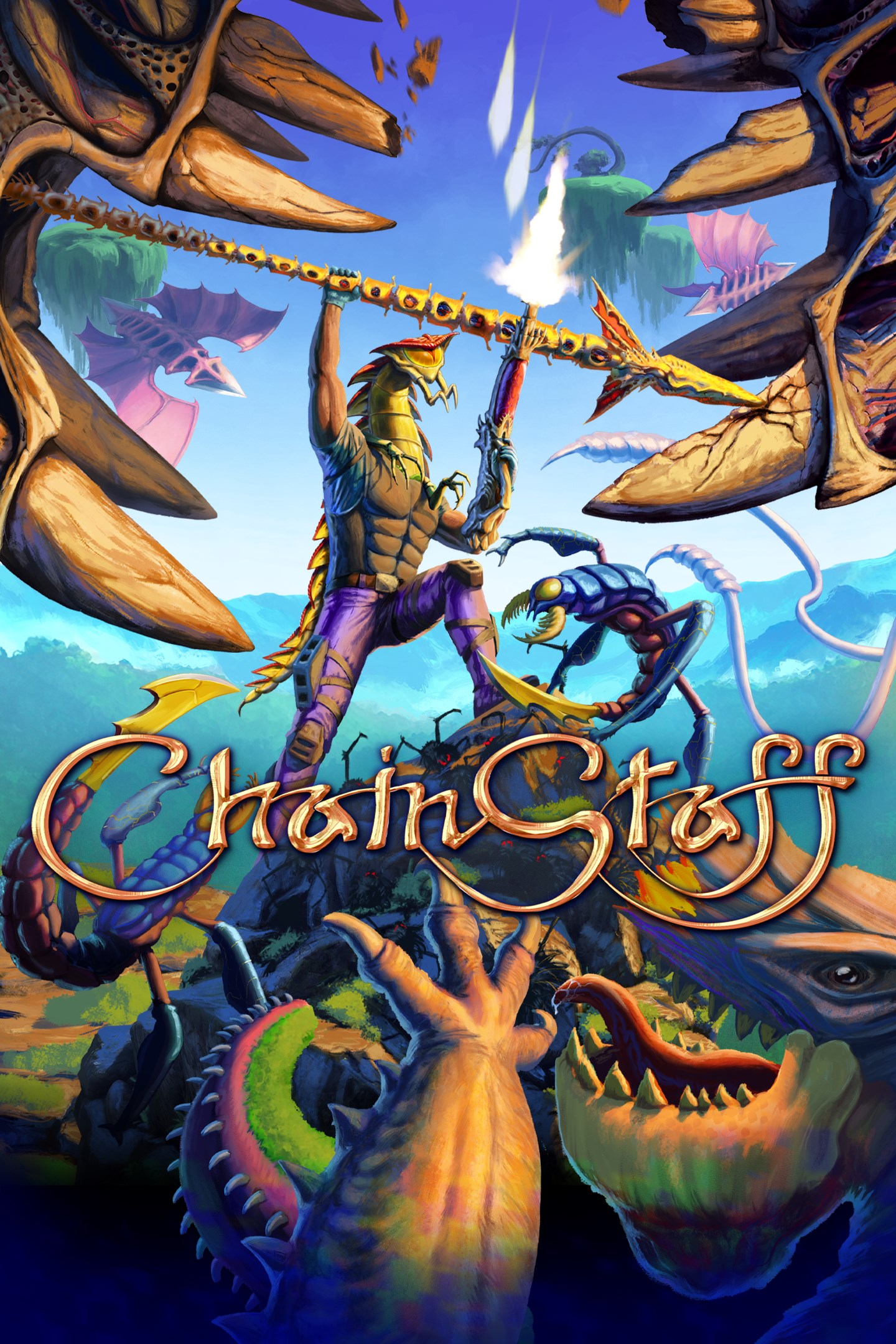
ChainStaff
Details
- Publisher
- Mommy's Best Games
- Developer
- Mommy's Best Games
- Release date
- 08.04.2026
- Age rating
- ESRB:M
- Localization
- English
Purchase options
Platform
Primary: our account is set as the home Xbox of your console ("My home Xbox"), so the game is shared with your own profile and works offline — that is one slot on one console. Secondary: you sign in to our account and launch the game from it, and the console has to stay online. The activation code is an extra option: it is redeemed on your own account, and the game stays there forever.
You install the game from our account and set our account as the home one ("My home Xbox"): after that you play from your own profile, and the progress and achievements stay yours. It works offline.
You sign in to our account and play right from it. A permanent internet connection is required and only the issued profile can be used. It costs less than the primary access.
A bonus way to buy: you get a 25-character code and redeem it on your own account. The game stays with you forever, no other profiles and no sign-in to a shared account.
What happens after payment
About the game
Our planet is under attack from the Star Spores, and they've warped life on Earth into ferocious uber-bugs.
Even worse, a nasty alien has made its new home directly attached to your head.
But it's not all bad news - your new best friend has provided both the strength to fight back against the mutated horde, and control over a weapon that can tip the balance of the battle in humanity's favor: the ChainStaff.
As you traverse the surreal landscape, you'll encounter your fellow soldiers, stranded in harsh environments. Do you rescue your comrades or listen to the alien voice in your head and harvest them for upgrades?
If you can persevere and defeat the Star Spores, perhaps you can save everyone…including yourself.
MASTER THE CHAINSTAFF
Hurl it as a spear and slice aliens in half. Throw it to the ground as a shield to stop incoming attacks. Grapple and swing on just about anything. The transforming ChainStaff does all this and more, and all with one button, it’s all up to you.
YOU DIED
Pounded to mush, stabbed through the heart, sheared in two. Prepare to meet your doom in a myriad of disgusting ways. All deaths are avoidable, but some dangers may require special strategies.
FEROCIOUS FOES
The creatures of Earth have been mutated by aliens: you’ll come across dozens of unusual creatures, and once you get past those, you’ll have to fight against screen-filling monstrosities.
GROTESQUE UPGRADES
Stranded soldiers dot the landscape of ChainStaff. You must choose whether to rescue them or devour their organs; each option has unique benefits and will lead to different endings.
10 WILD LEVELS
Mist trails through rocky crags.
Wind blows over icy, moon-lit hills.
Water streams down mossy cliffs.
Fully hand-drawn art immerses you in a living world inspired by album covers of the 70s and 80s.
KILLER SOUNDTRACK
Scorching riffs and peals of thunder. Pumping beats drive you ever forward.
Rock out to the classic metal soundtrack by the award-winning composer Deon van Heerden of Broforce and Warhammer 40k: Shootas Blood & Teef soundtrack fame. There’s some lighter interludes with 70s synth, catchy melodies, and even some cowbell. Now it’s back to the heavy tracks, where it’s time to bang your head while smashing skulls.
Screenshots
Click a frame to open it larger, use the arrows to browse
How to activate
Guide for Xbox One
Primary — the game is shared with your own profile
- 1Press the Xbox button, open "Profile & system" → "Add or switch" → "Add new" and sign in with the login and password from your order.
- 2Now open "Settings" → "General" → "Personalization" → "My home Xbox" and choose "Make this my home Xbox". This is what shares our games with every profile on your console.
- 3Switch back to your own profile, open "My games & apps" → "Library" and install the game. The internet is only needed for the download.
- 4Launch the game from your own profile: achievements, saves and progress stay yours, and after the installation the game works offline.
Only one console at a time can be the home Xbox for our account — that is the slot you bought. Please do not change the password, the email or the two-factor settings of the account, or the access will be blocked.
Secondary — you play from our account
- 1Press the Xbox button, open "Profile & system" → "Add or switch" → "Add new" and sign in with the login and password from your order.
- 2Open "My games & apps" → "Library", switch to our profile in the top-left corner and install the game.
- 3Launch the game while our profile stays signed in, and keep the console online: the licence is checked over the internet.
- 4Use your own profile for everything else — the game stays available as long as our account is signed in on this console.
Secondary costs less, but it needs a permanent internet connection and our account stays signed in on your console.
Activation code
- 1On the console open "Store" and go to the "Redeem code" section.
- 2Enter the 25-character code from your order and confirm the activation on your own account.
- 3After the activation the code is shown as "Used" — but you can reinstall the game from your library at any time.
Notes for Xbox One
Important
How to play online
Warranty and support
The warranty covers the whole period of use of the account. If the access stops working, we replace the account or refund your money.
- If the game stops launching, we replace the account or refund your money.
- Average support response time — 15–30 minutes during working hours.
- The warranty covers the whole rental period of the access.
Support
Telegram: @weskars
E-mail: support@gears.games
Working hours: daily 11:00 – 23:00 (UTC+3)
Every order goes through clear stages: "New" → "Awaiting payment" → "Paid" → "Delivered". You can follow the status in your account page.
Similar games
More games in the "Action & adventure" genre



