
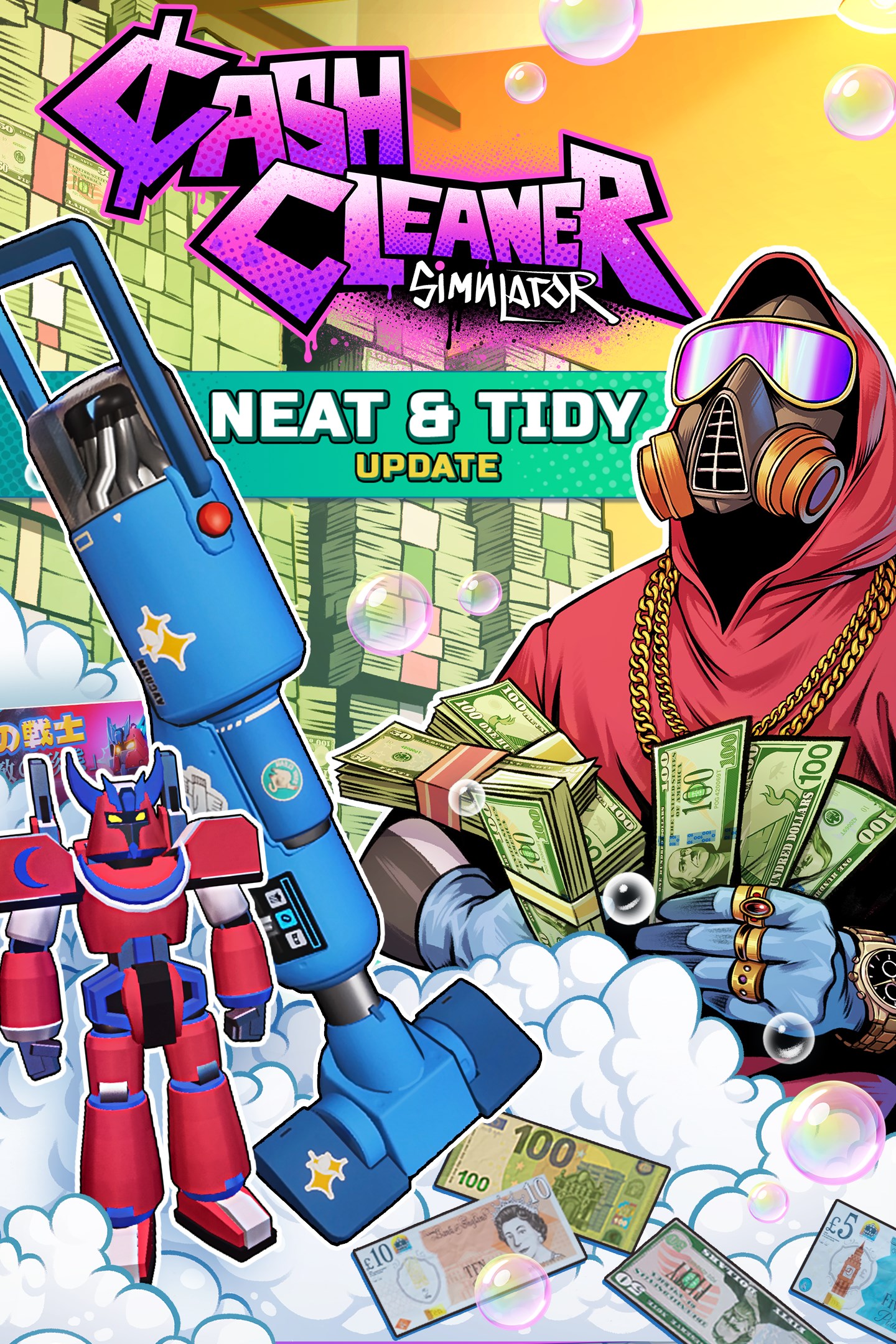
Cash Cleaner Simulator
Details
- Publisher
- Forklift Interactive Inc.
- Developer
- Mind Control Games
- Release date
- 11.02.2026
- Age rating
- ESRB:T
- Localization
- English
Purchase options
Primary: our account is set as the home Xbox of your console ("My home Xbox"), so the game is shared with your own profile and works offline — that is one slot on one console. Secondary: you sign in to our account and launch the game from it, and the console has to stay online. The activation code is an extra option: it is redeemed on your own account, and the game stays there forever.
You install the game from our account and set our account as the home one ("My home Xbox"): after that you play from your own profile, and the progress and achievements stay yours. It works offline.
You sign in to our account and play right from it. A permanent internet connection is required and only the issued profile can be used. It costs less than the primary access.
A bonus way to buy: you get a 25-character code and redeem it on your own account. The game stays with you forever, no other profiles and no sign-in to a shared account.
What happens after payment
About the game
Cash Cleaner Simulator welcomes you into the life of a low-level criminal with a particular specialty. When your underworld contacts need dirty money to come back squeaky clean, they call you.
Each delivery is different. Arriving in bags, boxes, or stuffed into mattresses, it's your job to retrieve it all, identify any problems like dirt, blood, or counterfeit bills, and get to work. Your clients expect results! Do your job well, or do whatever it takes, and reap the rewards.
In your downtime, order new tools to increase your efficiency, and scale up your operation. Or just buy stuff to cozy up your place!
Take on jobs at your own pace, expand your cleaning services to gold bars, different currencies, and more. Explore your lab...you may need more than just your eyes to discover its secrets. And maybe ask yourself how you got here...and why can't you leave?
Use washing machines, dryers, counting machines, and other tools to clean dirty cash. After cleaning, don’t forget to count it and send it to your handlers! Maybe not all of it; the money pile doesn’t grow by itself! Progress through the jobs to upgrade your gear and unlock new ways to handle the money!
Your phone is the center of your operation. Surf the darknet to find new jobs, order useful (and not so) tools, take pictures, and scan your surroundings for helpful tips. Just put it on mute when you’re working. You don’t want any distractions!
All the satisfaction of having lots of money without any shootouts! Leave the danger to the others; you’re here to relax and clean the cash, and you don’t really care how it got here. Some paint the world red, but you paint it green! You know, like crisp clean bills!
Your place of work contains many secrets, so be on the lookout for them! You may need special tools like a UV lamp or wait for the night-time to come and find them, but the truth is out there… and so are more places to store your cash!
Everyone has to relax! Even those working with dirty cash obtained in questionable ways! Burn some cash figuratively and literally - cozy up your place, play Moneyball (it’s like basketball… BUT WITH CASH), and throw anything you want into a furnace for fun!
Screenshots
Click a frame to open it larger, use the arrows to browse
How to activate
Guide for Xbox Series X|S
Primary — the game is shared with your own profile
- 1Press the Xbox button, open "Profile & system" → "Add or switch" → "Add new" and sign in with the login and password from your order.
- 2Now open "Settings" → "General" → "Personalization" → "My home Xbox" and choose "Make this my home Xbox". This is what shares our games with every profile on your console.
- 3Switch back to your own profile, open "My games & apps" → "Library" and install the game. The internet is only needed for the download.
- 4Launch the game from your own profile: achievements, saves and progress stay yours, and after the installation the game works offline.
Only one console at a time can be the home Xbox for our account — that is the slot you bought. Please do not change the password, the email or the two-factor settings of the account, or the access will be blocked.
Secondary — you play from our account
- 1Press the Xbox button, open "Profile & system" → "Add or switch" → "Add new" and sign in with the login and password from your order.
- 2Open "My games & apps" → "Library", switch to our profile in the top-left corner and install the game.
- 3Launch the game while our profile stays signed in, and keep the console online: the licence is checked over the internet.
- 4Use your own profile for everything else — the game stays available as long as our account is signed in on this console.
Secondary costs less, but it needs a permanent internet connection and our account stays signed in on your console.
Activation code
- 1On the console open "Store" and go to the "Redeem code" section.
- 2Enter the 25-character code from your order and confirm the activation on your own account.
- 3After the activation the code is shown as "Used" — but you can reinstall the game from your library at any time.
Notes for Xbox Series
Important
How to play online
Warranty and support
The warranty covers the whole period of use of the account. If the access stops working, we replace the account or refund your money.
- If the game stops launching, we replace the account or refund your money.
- Average support response time — 15–30 minutes during working hours.
- The warranty covers the whole rental period of the access.
Support
Telegram: @weskars
E-mail: support@gears.games
Working hours: daily 11:00 – 23:00 (UTC+3)
Every order goes through clear stages: "New" → "Awaiting payment" → "Paid" → "Delivered". You can follow the status in your account page.
Similar games
More games in the "Simulation" genre



