
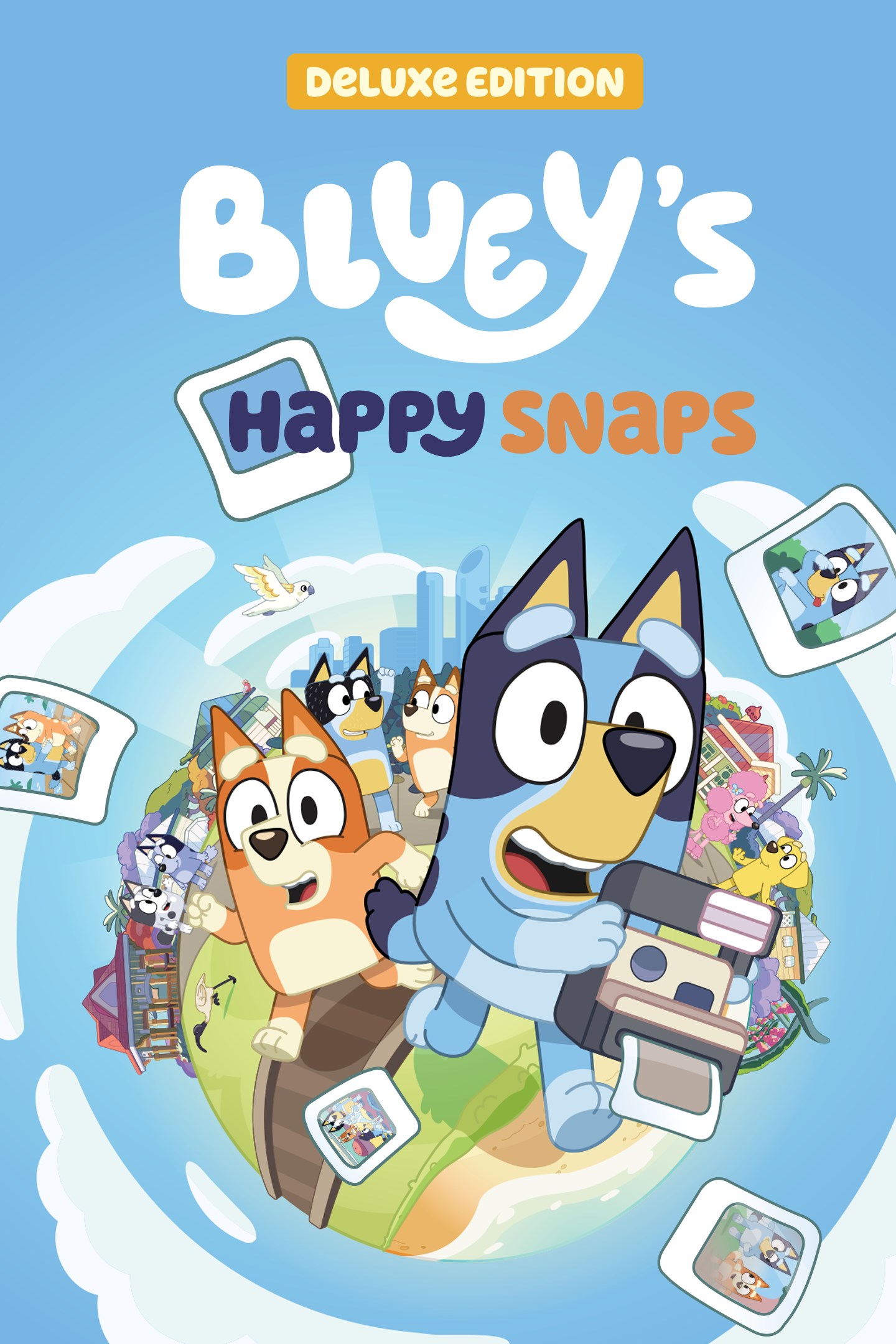
Bluey's Happy Snaps: Deluxe Edition
Details
- Publisher
- Gameloft
- Developer
- Gameloft
- Release date
- 15.10.2026
- Age rating
- ESRB:E
- Localization
- English
Purchase options
Platform
Primary: our account is set as the home Xbox of your console ("My home Xbox"), so the game is shared with your own profile and works offline — that is one slot on one console. Secondary: you sign in to our account and launch the game from it, and the console has to stay online. The activation code is an extra option: it is redeemed on your own account, and the game stays there forever.
You install the game from our account and set our account as the home one ("My home Xbox"): after that you play from your own profile, and the progress and achievements stay yours. It works offline.
You sign in to our account and play right from it. A permanent internet connection is required and only the issued profile can be used. It costs less than the primary access.
A bonus way to buy: you get a 25-character code and redeem it on your own account. The game stays with you forever, no other profiles and no sign-in to a shared account.
What happens after payment
About the game
"Here Come the Grannies" bonus digital content
Janet and Rita are back -- and this time they've got wheels. Watch out, young'uns, the grannies are on the move!
More Dress-Ups!
New outfits for Bluey and Bingo to try on.
Digital Art Book:
Exclusive artwork and concept art from the making of Bluey's Happy Snaps
Explore Bluey's world like never before!
Play, explore, and capture moments with Bluey and Bingo in this photo-powered adventure across familiar spots from the show. Snap memories solo or side-by-side with a second player, discover Australian wildlife, and turn in-game moments into real fun for Real Life.
Say Cheese!
Bluey and Bingo have found Dad's old camera (back from when he was cool). Travel around Bluey's hometown of Brisbane as you snap photos of the games you play, chase bin chickens and uncover hidden surprises. Each snapshot is saved to your own scrapbook, where you can keep your best moments.
Fun for Everyone
A second player can join in to explore and strike a pose, while the main player leads the adventure behind the camera. Hang out with Muffin, Chloe, Winton and more of Bluey's friends wherever you go, play with loads of toys and jump into games from the show, like Shadowlands and Magic Cauldron.
Play for Real Life
Packed with tips that turn game time into play for Real Life time! Find new ways to play with everyday things in the world around you, turning cushion forts and cardboard boxes into the next big adventure. Explore, play and discover in the game, then take it off the screen and keep the fun going.
Snap, Capture, and Collect
Build your scrapbook one snap at a time. Every photo unlocks stickers inspired by the friends, wildlife, and games you come across. Arrange these stickers, paint them however you like, and dress up Bluey and Bingo with costumes you unlock along the way.
Screenshots
Click a frame to open it larger, use the arrows to browse
How to activate
Guide for Xbox One
Primary — the game is shared with your own profile
- 1Press the Xbox button, open "Profile & system" → "Add or switch" → "Add new" and sign in with the login and password from your order.
- 2Now open "Settings" → "General" → "Personalization" → "My home Xbox" and choose "Make this my home Xbox". This is what shares our games with every profile on your console.
- 3Switch back to your own profile, open "My games & apps" → "Library" and install the game. The internet is only needed for the download.
- 4Launch the game from your own profile: achievements, saves and progress stay yours, and after the installation the game works offline.
Only one console at a time can be the home Xbox for our account — that is the slot you bought. Please do not change the password, the email or the two-factor settings of the account, or the access will be blocked.
Secondary — you play from our account
- 1Press the Xbox button, open "Profile & system" → "Add or switch" → "Add new" and sign in with the login and password from your order.
- 2Open "My games & apps" → "Library", switch to our profile in the top-left corner and install the game.
- 3Launch the game while our profile stays signed in, and keep the console online: the licence is checked over the internet.
- 4Use your own profile for everything else — the game stays available as long as our account is signed in on this console.
Secondary costs less, but it needs a permanent internet connection and our account stays signed in on your console.
Activation code
- 1On the console open "Store" and go to the "Redeem code" section.
- 2Enter the 25-character code from your order and confirm the activation on your own account.
- 3After the activation the code is shown as "Used" — but you can reinstall the game from your library at any time.
Notes for Xbox One
Important
How to play online
Warranty and support
The warranty covers the whole period of use of the account. If the access stops working, we replace the account or refund your money.
- If the game stops launching, we replace the account or refund your money.
- Average support response time — 15–30 minutes during working hours.
- The warranty covers the whole rental period of the access.
Support
Telegram: @weskars
E-mail: support@gears.games
Working hours: daily 11:00 – 23:00 (UTC+3)
Every order goes through clear stages: "New" → "Awaiting payment" → "Paid" → "Delivered". You can follow the status in your account page.
Similar games
More games in the "Action & adventure" genre



