
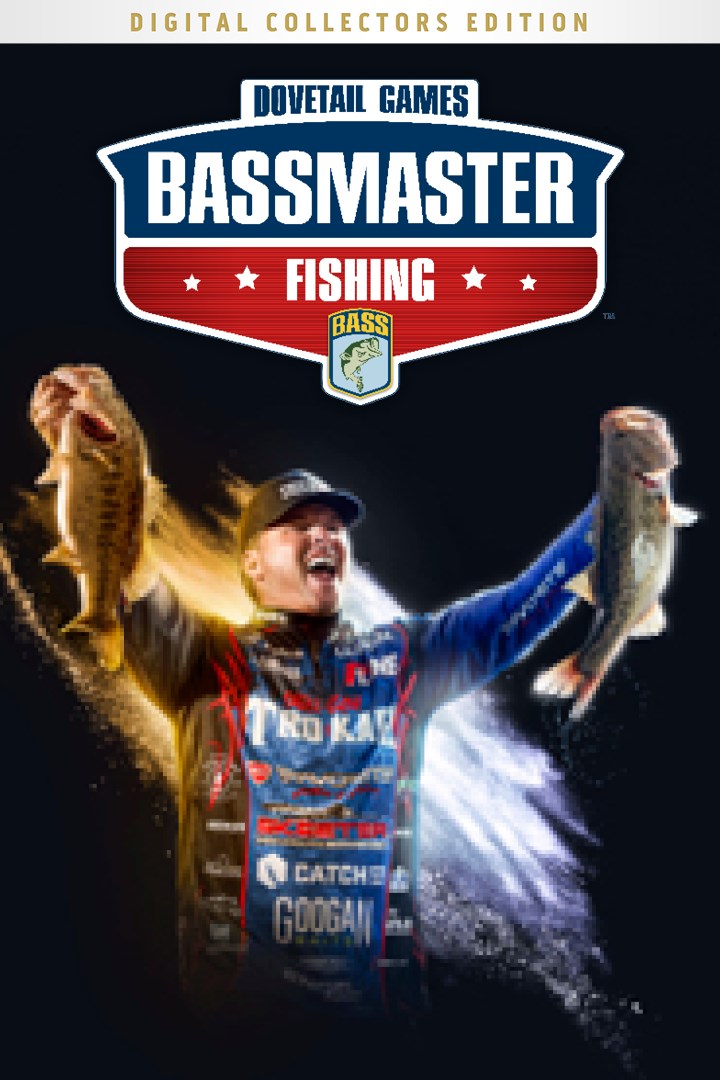
Bassmaster® Fishing: Digital Collector’s Edition
Details
- Publisher
- Dovetail Games
- Developer
- Dovetail Games
- Release date
- 01.03.2023
- Age rating
- ESRB:E
- Localization
- English
Purchase options
Platform
Primary: our account is set as the home Xbox of your console ("My home Xbox"), so the game is shared with your own profile and works offline — that is one slot on one console. Secondary: you sign in to our account and launch the game from it, and the console has to stay online. The activation code is an extra option: it is redeemed on your own account, and the game stays there forever.
You install the game from our account and set our account as the home one ("My home Xbox"): after that you play from your own profile, and the progress and achievements stay yours. It works offline.
You sign in to our account and play right from it. A permanent internet connection is required and only the issued profile can be used. It costs less than the primary access.
A bonus way to buy: you get a 25-character code and redeem it on your own account. The game stays with you forever, no other profiles and no sign-in to a shared account.
What happens after payment
About the game
BASSMASTER® FISHING THE OFFICIAL VIDEO GAME
Bassmaster® Fishing Digital Collector’s Edition, the official video game is OUT NOW! Experience the thrill of competitive big bass fishing and climb the ranks to become the Bassmaster Classic® champion. Dive into the fully licensed content from the Bassmaster series from amateur to elite events. Manage your sponsors, equip your dream setup, and customise the look of your angler to tackle the Bassmaster series.
DIGITAL COLLECTOR’S EDITION
The Digital Collector’s Edition comes stacked with Bassmaster Fishing and 8 pieces of extra content so you can kit your angler out with your favourite equipment and take on the huge venues available. The Digital Collector’s Edition comes with:
Bassmaster Fishing Deluxe Edition
Predator Equipment Pack
Elite Fishing Equipment Pack
Classic Lake Hartwell
Bass Lake Bundle
Synthwave Cosmetic Pack
Pixel Pro Cosmetic Pack
Throwback B.A.S.S.® Pack
KEY FEATURES
Deluxe Edition Content – Use Deluxe Edition content such as the B.A.S.S.® branded rods & reels or equip your angler with special Bass Nation clothing and cast off the deluxe Blazer Boat.
Predator Equipment Pack - Kit your angler out and become the predator with over 30 new pieces of equipment and exciting new boat wraps.
Elite Fishing Equipment Pack - Compete like an Elite with 30 all-new items such as rods, reels, lures, and cosmetics.
Retro Cosmetic Packs – Dive into 3 full retro cosmetic packs! Light up the lake with the emissive boat wrap from the Synthwave Pack, pick your pixel pro from the Pixel Pro Pack, or flashback to old school B.A.S.S.® with the Throwback B.A.S.S.® pack.
11 Official venues – Take to the water on 11 real-world venues and explore everything from the Green Pond docks at Lake Hartwell to the huge open horizons on Lake Seminole.
Exclusive B.A.S.S. Content - Equip and use a vast selection of licensed content such as Yamaha Outboard motors, Skeeter Boats, Missile Baits, and much more!
10 Pro Anglers – Play as or compete against legends like Scott Martin, Hank Cherry and 8 other official pro anglers.
Our Largest Multiplayer – Take on the vast Bassmaster Fishing online modes. Climb the global leader boards, jump into cross play modes, or be the champion in Bassmaster Royale.
Career Mode - Compete throughout the College Series, Opens and Elite Series and progress to the Bassmaster Classic to become the champion. With Dave Mercer the official tournament announcer to host your weigh ins as you chart your course for success, increasing your following with big catches and bigger partners with the new sponsors system.
Gameplay fundamentals – Fish from a new perspective with the underwater camera, explore and mark up venues with the new GPS map system, and finesse fishing around weeds with the right equipment to avoid snagging.
Fish AI and movement – Be the best bass angler by hunting out those lunkers. Fish will move around the water looking for points of interest and also at different depths due to the dynamic time of day system
Screenshots
Click a frame to open it larger, use the arrows to browse
How to activate
Guide for Xbox One
Primary — the game is shared with your own profile
- 1Press the Xbox button, open "Profile & system" → "Add or switch" → "Add new" and sign in with the login and password from your order.
- 2Now open "Settings" → "General" → "Personalization" → "My home Xbox" and choose "Make this my home Xbox". This is what shares our games with every profile on your console.
- 3Switch back to your own profile, open "My games & apps" → "Library" and install the game. The internet is only needed for the download.
- 4Launch the game from your own profile: achievements, saves and progress stay yours, and after the installation the game works offline.
Only one console at a time can be the home Xbox for our account — that is the slot you bought. Please do not change the password, the email or the two-factor settings of the account, or the access will be blocked.
Secondary — you play from our account
- 1Press the Xbox button, open "Profile & system" → "Add or switch" → "Add new" and sign in with the login and password from your order.
- 2Open "My games & apps" → "Library", switch to our profile in the top-left corner and install the game.
- 3Launch the game while our profile stays signed in, and keep the console online: the licence is checked over the internet.
- 4Use your own profile for everything else — the game stays available as long as our account is signed in on this console.
Secondary costs less, but it needs a permanent internet connection and our account stays signed in on your console.
Activation code
- 1On the console open "Store" and go to the "Redeem code" section.
- 2Enter the 25-character code from your order and confirm the activation on your own account.
- 3After the activation the code is shown as "Used" — but you can reinstall the game from your library at any time.
Notes for Xbox One
Important
How to play online
Warranty and support
The warranty covers the whole period of use of the account. If the access stops working, we replace the account or refund your money.
- If the game stops launching, we replace the account or refund your money.
- Average support response time — 15–30 minutes during working hours.
- The warranty covers the whole rental period of the access.
Support
Telegram: @weskars
E-mail: support@gears.games
Working hours: daily 11:00 – 23:00 (UTC+3)
Every order goes through clear stages: "New" → "Awaiting payment" → "Paid" → "Delivered". You can follow the status in your account page.
Similar games
More games in the "Simulation" genre



