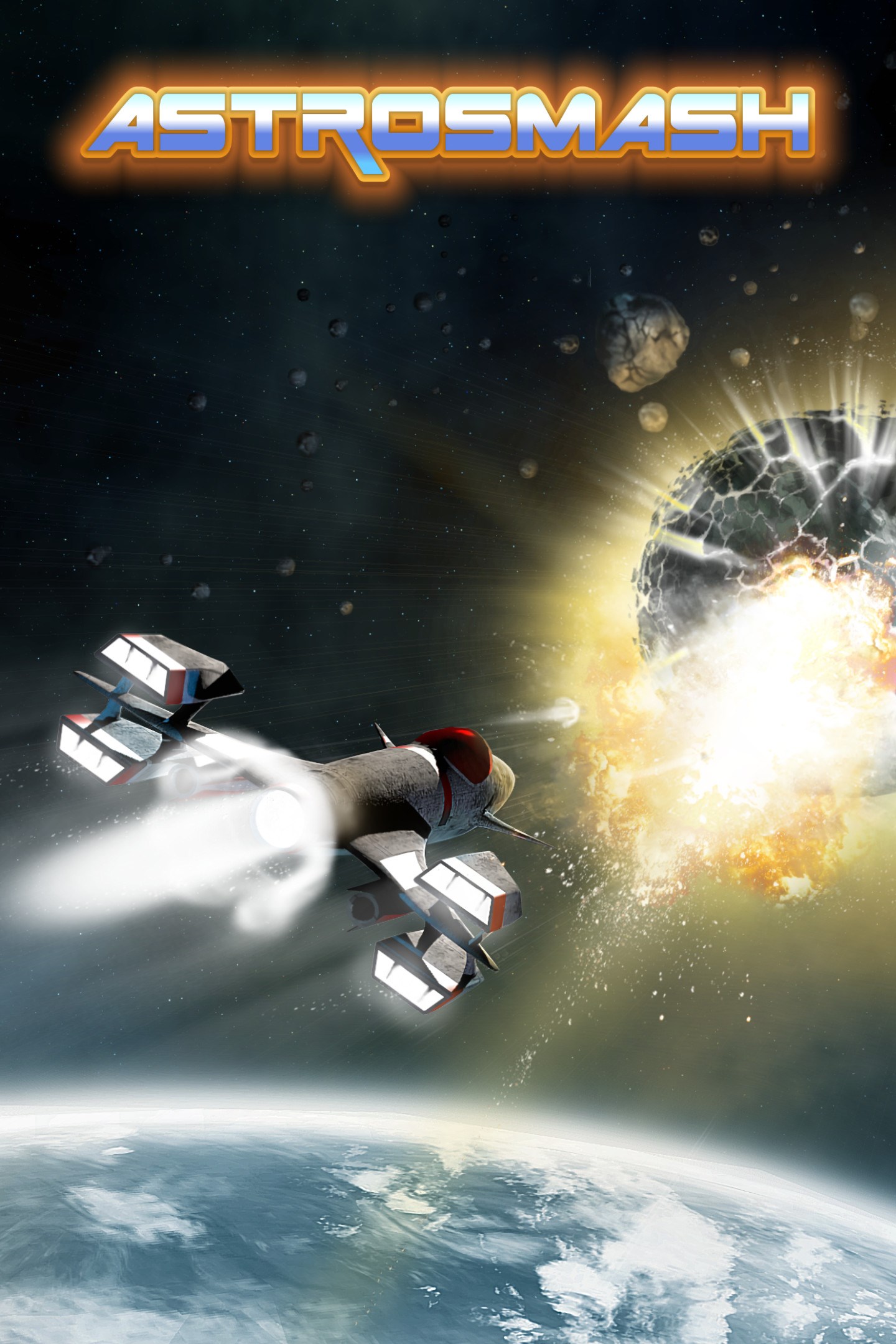
ASTROSMASH
Details
- Publisher
- BBG Entertainment GmbH
- Developer
- BBG Entertainment GmbH
- Release date
- 12.10.2023
- Age rating
- ESRB:E
- Localization
- English
Purchase options
Platform
Primary: our account is set as the home Xbox of your console ("My home Xbox"), so the game is shared with your own profile and works offline — that is one slot on one console. Secondary: you sign in to our account and launch the game from it, and the console has to stay online. The activation code is an extra option: it is redeemed on your own account, and the game stays there forever.
You install the game from our account and set our account as the home one ("My home Xbox"): after that you play from your own profile, and the progress and achievements stay yours. It works offline.
You sign in to our account and play right from it. A permanent internet connection is required and only the issued profile can be used. It costs less than the primary access.
A bonus way to buy: you get a 25-character code and redeem it on your own account. The game stays with you forever, no other profiles and no sign-in to a shared account.
What happens after payment
About the game
ASTROSMASH® was originally designed by John Sohl for the Intellivision® console in 1981 and quickly became one of the most popular games of its time. It sold more than a million copies and earned its spot in the top-5 best-selling Intellivision® games ever. In this space-themed game, players use a laser cannon to destroy incoming meteors, bombs, and other targets.
In ASTROSMASH® you control a laser cannon that scrolls left or right along a flat plane to target falling objects, such as large or small meteors, spinning bombs, guided missiles, or an UFO that crosses the screen from time to time at higher levels. Low hills and stars are seen in the background.
There are many types of targets, each of which may move at various speeds. As the game advances, the range of speed increases.
The game has ten levels, each of which features different objects. Each level is represented by a different beautiful background and amazing background music. Sounds and background music are perfectly synchronized with the gameplay. This is a masterpiece compiled by famous composer Tommy Tallarico. He has won over 35 industry awards and has worked on more than 300 game titles.
Players have the option to fire single shots by pressing the fire button or to switch to automatic fire with multiple shots per second. The hyperspace option moves the laser cannon to a random location, which may or may not be safer than the starting point.
This ASTROSMASH® reincarnation is much more exciting, more visually appealing, and somewhat more challenging without straying from the game’s original theme and gameplay. The new graphics are phenomenal and the amazing background music – compiled by the famous game music composer Tommy Tallarico – adds incredible excitement to this video game classic. Plus, ASTROSMASH® now enables players to co-operate or play against each other; locally or online – even across platforms - for up to four players.
In addition you are also able to play the old original Intellivision® ASTROSMASH® from 1981. Please enjoy ASTROSMASH® from today and from the past!
• Single player mode
• Co-op and versus mode
• Local and online multiplayer modes up to 4 players (cross platform)
• 10 different levels
• Different kind of enemies like spaceships, asteroids, UFOs
• Fantastic graphics
• Superb sounds compiled and designed by famous game music composer Tommy Tallarico
• Original version from 1981 included
• Keyboard and Joystick support
Screenshots
Click a frame to open it larger, use the arrows to browse
How to activate
Guide for Xbox One
Primary — the game is shared with your own profile
- 1Press the Xbox button, open "Profile & system" → "Add or switch" → "Add new" and sign in with the login and password from your order.
- 2Now open "Settings" → "General" → "Personalization" → "My home Xbox" and choose "Make this my home Xbox". This is what shares our games with every profile on your console.
- 3Switch back to your own profile, open "My games & apps" → "Library" and install the game. The internet is only needed for the download.
- 4Launch the game from your own profile: achievements, saves and progress stay yours, and after the installation the game works offline.
Only one console at a time can be the home Xbox for our account — that is the slot you bought. Please do not change the password, the email or the two-factor settings of the account, or the access will be blocked.
Secondary — you play from our account
- 1Press the Xbox button, open "Profile & system" → "Add or switch" → "Add new" and sign in with the login and password from your order.
- 2Open "My games & apps" → "Library", switch to our profile in the top-left corner and install the game.
- 3Launch the game while our profile stays signed in, and keep the console online: the licence is checked over the internet.
- 4Use your own profile for everything else — the game stays available as long as our account is signed in on this console.
Secondary costs less, but it needs a permanent internet connection and our account stays signed in on your console.
Activation code
- 1On the console open "Store" and go to the "Redeem code" section.
- 2Enter the 25-character code from your order and confirm the activation on your own account.
- 3After the activation the code is shown as "Used" — but you can reinstall the game from your library at any time.
Notes for Xbox One
Important
How to play online
Warranty and support
The warranty covers the whole period of use of the account. If the access stops working, we replace the account or refund your money.
- If the game stops launching, we replace the account or refund your money.
- Average support response time — 15–30 minutes during working hours.
- The warranty covers the whole rental period of the access.
Support
Telegram: @weskars
E-mail: support@gears.games
Working hours: daily 11:00 – 23:00 (UTC+3)
Every order goes through clear stages: "New" → "Awaiting payment" → "Paid" → "Delivered". You can follow the status in your account page.
Similar games
More games in the "Classics" genre