
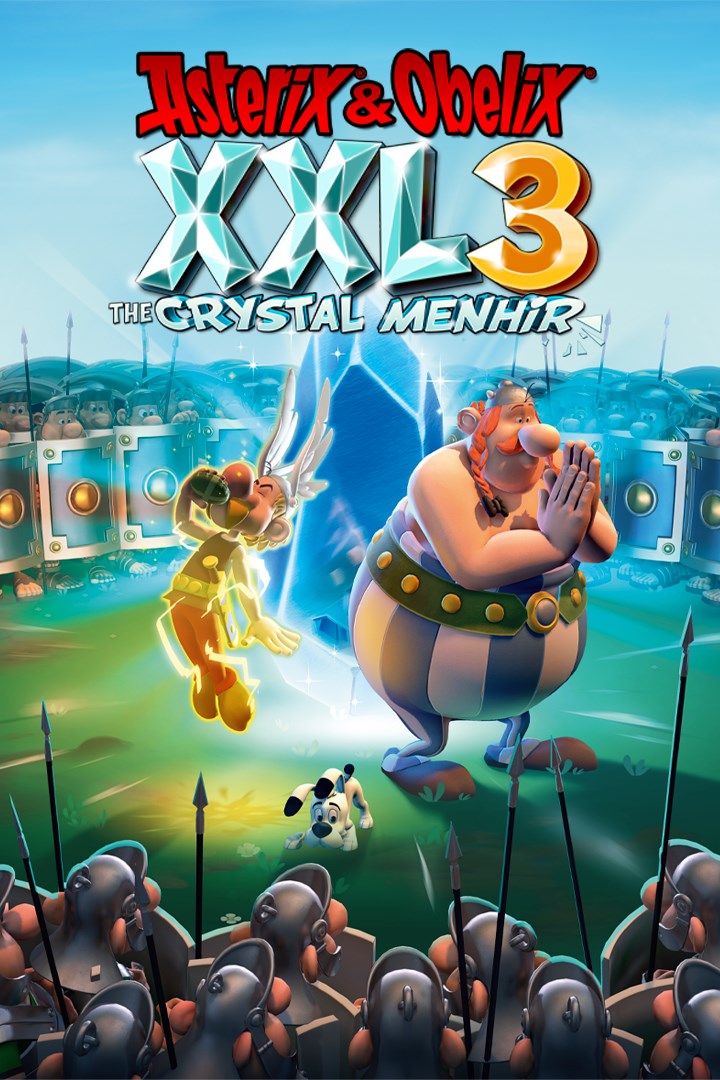
Asterix & Obelix XXL3: The Crystal Menhir
Details
- Publisher
- Microids
- Developer
- OSome Studio
- Release date
- 02.10.2019
- Age rating
- ESRB:E10
- Localization
- English
Purchase options
Platform
Primary: our account is set as the home Xbox of your console ("My home Xbox"), so the game is shared with your own profile and works offline — that is one slot on one console. Secondary: you sign in to our account and launch the game from it, and the console has to stay online. The activation code is an extra option: it is redeemed on your own account, and the game stays there forever.
You install the game from our account and set our account as the home one ("My home Xbox"): after that you play from your own profile, and the progress and achievements stay yours. It works offline.
You sign in to our account and play right from it. A permanent internet connection is required and only the issued profile can be used. It costs less than the primary access.
A bonus way to buy: you get a 25-character code and redeem it on your own account. The game stays with you forever, no other profiles and no sign-in to a shared account.
What happens after payment
About the game
An adventure to share, full of fun, slapping and friendship.
The year is 50 B.C. Gaul is entirely occupied by the Romans. Well, not entirely... One small village of indomitable Gauls still holds out against the invaders. And life is not easy for the Roman legionaries who garrison the fortified camps of Totorum, Aquarium, Laudanum and Compendium.
Peace reigns in the small Armorican village, where the villagers go about their daily business. Our two heroes, Asterix and Obelix, hunt wild boars, the blacksmith and the fishmonger quarrel, and the village chief strolls around the village square atop his shield.
One day, the village druid, Getafix, receives a strange message. It is from Avina Gandir, the high priestess of Thule! She warns the druid of a grave threat to her people and asks him to take a mysterious Menhir out of its hiding place...
Set off on an exciting adventure and immerse yourself in the world of Asterix! Alone or in co-op, explore the lands of the Roman empire and unravel the mystery of the Crystal Menhir and its incredible powers!
Features
• Master the mysterious Crystal Menhir in all its forms: stone menhir, ice menhir, fire menhir and magnetic menhir!
• For the very first time in the Asterix XXL Saga, play as Asterix and Obelix in two-player co-op mode! A fantastic adventure to share as a family or with a friend.
• Experience an all-new story in the Asterix comic book world and explore the lands of the Roman empire.
• You will find your favorite characters, such as Getafix, Cacofonix and Vitalstatistix, as well as new characters with hilarious names!
• Complete various side missions and collect hidden objects on all levels.
Screenshots
Click a frame to open it larger, use the arrows to browse
How to activate
Guide for Xbox One
Primary — the game is shared with your own profile
- 1Press the Xbox button, open "Profile & system" → "Add or switch" → "Add new" and sign in with the login and password from your order.
- 2Now open "Settings" → "General" → "Personalization" → "My home Xbox" and choose "Make this my home Xbox". This is what shares our games with every profile on your console.
- 3Switch back to your own profile, open "My games & apps" → "Library" and install the game. The internet is only needed for the download.
- 4Launch the game from your own profile: achievements, saves and progress stay yours, and after the installation the game works offline.
Only one console at a time can be the home Xbox for our account — that is the slot you bought. Please do not change the password, the email or the two-factor settings of the account, or the access will be blocked.
Secondary — you play from our account
- 1Press the Xbox button, open "Profile & system" → "Add or switch" → "Add new" and sign in with the login and password from your order.
- 2Open "My games & apps" → "Library", switch to our profile in the top-left corner and install the game.
- 3Launch the game while our profile stays signed in, and keep the console online: the licence is checked over the internet.
- 4Use your own profile for everything else — the game stays available as long as our account is signed in on this console.
Secondary costs less, but it needs a permanent internet connection and our account stays signed in on your console.
Activation code
- 1On the console open "Store" and go to the "Redeem code" section.
- 2Enter the 25-character code from your order and confirm the activation on your own account.
- 3After the activation the code is shown as "Used" — but you can reinstall the game from your library at any time.
Notes for Xbox One
Important
How to play online
Warranty and support
The warranty covers the whole period of use of the account. If the access stops working, we replace the account or refund your money.
- If the game stops launching, we replace the account or refund your money.
- Average support response time — 15–30 minutes during working hours.
- The warranty covers the whole rental period of the access.
Support
Telegram: @weskars
E-mail: support@gears.games
Working hours: daily 11:00 – 23:00 (UTC+3)
Every order goes through clear stages: "New" → "Awaiting payment" → "Paid" → "Delivered". You can follow the status in your account page.
Similar games
More games in the "Action & adventure" genre



