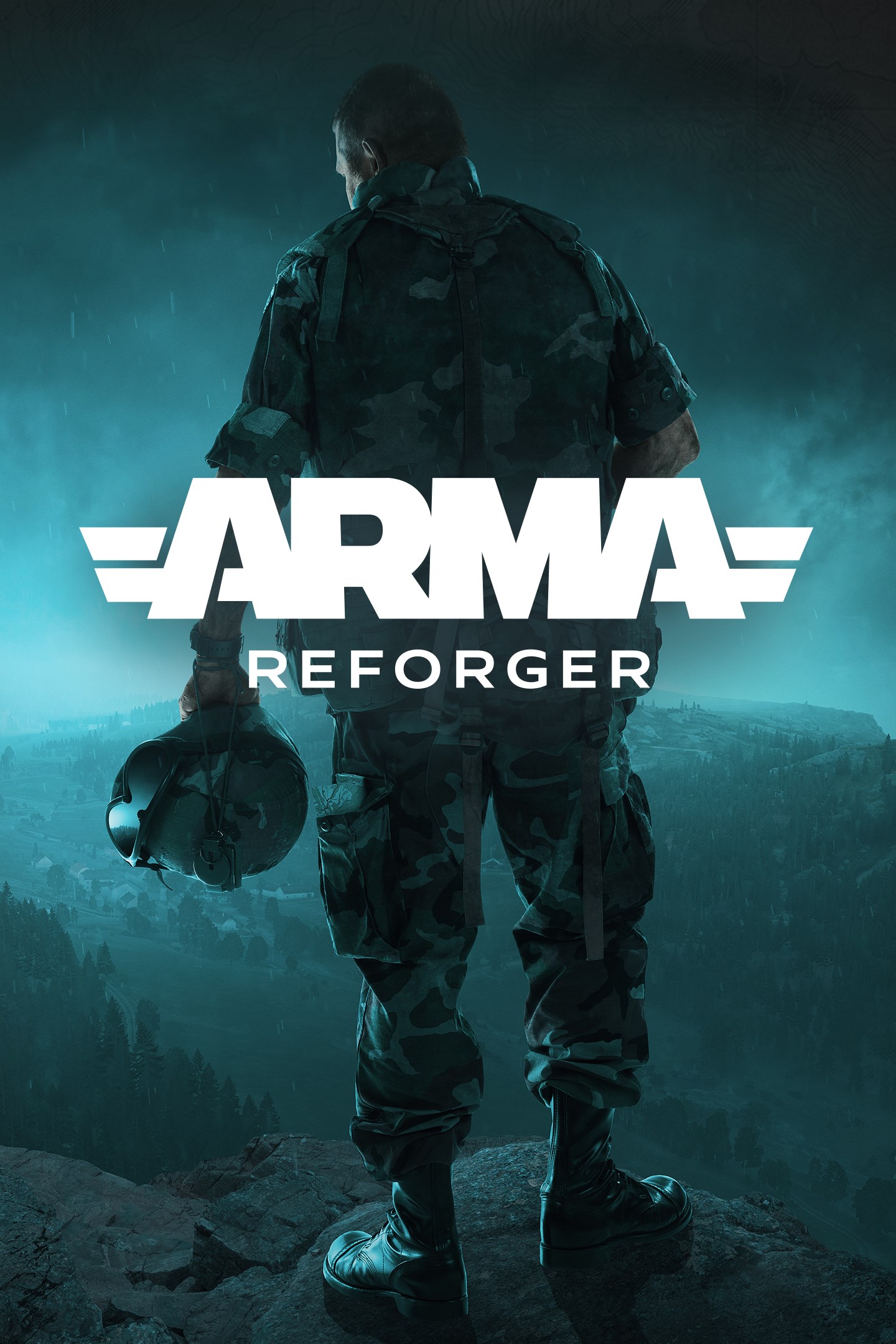
Arma Reforger
Details
- Publisher
- Bohemia Interactive a.s.
- Developer
- Bohemia Interactive a.s.
- Release date
- 17.05.2022
- Age rating
- ESRB:M
- Localization
- English
Purchase options
Primary: our account is set as the home Xbox of your console ("My home Xbox"), so the game is shared with your own profile and works offline — that is one slot on one console. Secondary: you sign in to our account and launch the game from it, and the console has to stay online. The activation code is an extra option: it is redeemed on your own account, and the game stays there forever.
You install the game from our account and set our account as the home one ("My home Xbox"): after that you play from your own profile, and the progress and achievements stay yours. It works offline.
You sign in to our account and play right from it. A permanent internet connection is required and only the issued profile can be used. It costs less than the primary access.
A bonus way to buy: you get a 25-character code and redeem it on your own account. The game stays with you forever, no other profiles and no sign-in to a shared account.
What happens after payment
About the game
Join the fight in Arma Reforger, a dynamic military sandbox set in an authentic Cold War conflict. Experience tactical warfare in large-scale multiplayer battles, create and curate your own scenarios, and engage in limitless modded game modes across vast, detailed terrains. Arma Reforger offers a versatile and creative platform that redefines the milsim genre on consoles.
Game Modes:
Conflict – Large-scale warfare between US, Soviet, and local FIA forces. Capture key positions, coordinate with your team, and dominate the battlefield.
Game Master – Create and curate scenarios in real time, shaping battles and designing unique missions with powerful in-game tools.
Combat Ops – Tactical, small-team gameplay with dynamic objectives. Play as an elite US unit striking deep into enemy territory or as an FIA guerilla resisting occupation.
Capture and Hold – Fast-paced action where two factions clash to secure strategic points in intense, close-quarters battles.
Operation Omega – Embark on a covert mission behind enemy lines to cripple Soviet defenses and prepare the island of Kolguyev for an invasion in our first fully singleplayer campaign for Arma Reforger.
Air Support – A singleplayer scenario focused on testing your piloting skills as you’re tasked with a variety of transport, fire support, and logistical missions.
Expansive Terrains:
Everon (51 km²) – Return to this mid-Atlantic island from Operation Flashpoint, featuring expansive and immersive environments providing a lush backdrop to any operations.
Arland (10 km²) – A new, strategic Cold War outpost hosting a Soviet-occupied military airbase, conducive to smaller-scale campaigns and intense firefights.
Kolguyev (40 km²) – A territory of the Soviet Union, this small island with a dormant volcanic peak has suffered decades of severe environmental degradation from mining operations and is now virtually deserted, its settlements long abandoned.
Workshop – Customize your Experience:
Expand your experience with community-created modifications from the integrated Workshop. Download new missions, weapons, vehicles, and more, to fully customize Arma Reforger to suit your play style.
This version of Arma Reforger does not include the Arma Reforger Tools (Workbench) modding application.
Screenshots
Click a frame to open it larger, use the arrows to browse
How to activate
Guide for Xbox Series X|S
Primary — the game is shared with your own profile
- 1Press the Xbox button, open "Profile & system" → "Add or switch" → "Add new" and sign in with the login and password from your order.
- 2Now open "Settings" → "General" → "Personalization" → "My home Xbox" and choose "Make this my home Xbox". This is what shares our games with every profile on your console.
- 3Switch back to your own profile, open "My games & apps" → "Library" and install the game. The internet is only needed for the download.
- 4Launch the game from your own profile: achievements, saves and progress stay yours, and after the installation the game works offline.
Only one console at a time can be the home Xbox for our account — that is the slot you bought. Please do not change the password, the email or the two-factor settings of the account, or the access will be blocked.
Secondary — you play from our account
- 1Press the Xbox button, open "Profile & system" → "Add or switch" → "Add new" and sign in with the login and password from your order.
- 2Open "My games & apps" → "Library", switch to our profile in the top-left corner and install the game.
- 3Launch the game while our profile stays signed in, and keep the console online: the licence is checked over the internet.
- 4Use your own profile for everything else — the game stays available as long as our account is signed in on this console.
Secondary costs less, but it needs a permanent internet connection and our account stays signed in on your console.
Activation code
- 1On the console open "Store" and go to the "Redeem code" section.
- 2Enter the 25-character code from your order and confirm the activation on your own account.
- 3After the activation the code is shown as "Used" — but you can reinstall the game from your library at any time.
Notes for Xbox Series
Important
How to play online
Warranty and support
The warranty covers the whole period of use of the account. If the access stops working, we replace the account or refund your money.
- If the game stops launching, we replace the account or refund your money.
- Average support response time — 15–30 minutes during working hours.
- The warranty covers the whole rental period of the access.
Support
Telegram: @weskars
E-mail: support@gears.games
Working hours: daily 11:00 – 23:00 (UTC+3)
Every order goes through clear stages: "New" → "Awaiting payment" → "Paid" → "Delivered". You can follow the status in your account page.
Similar games
More games in the "Shooter" genre