
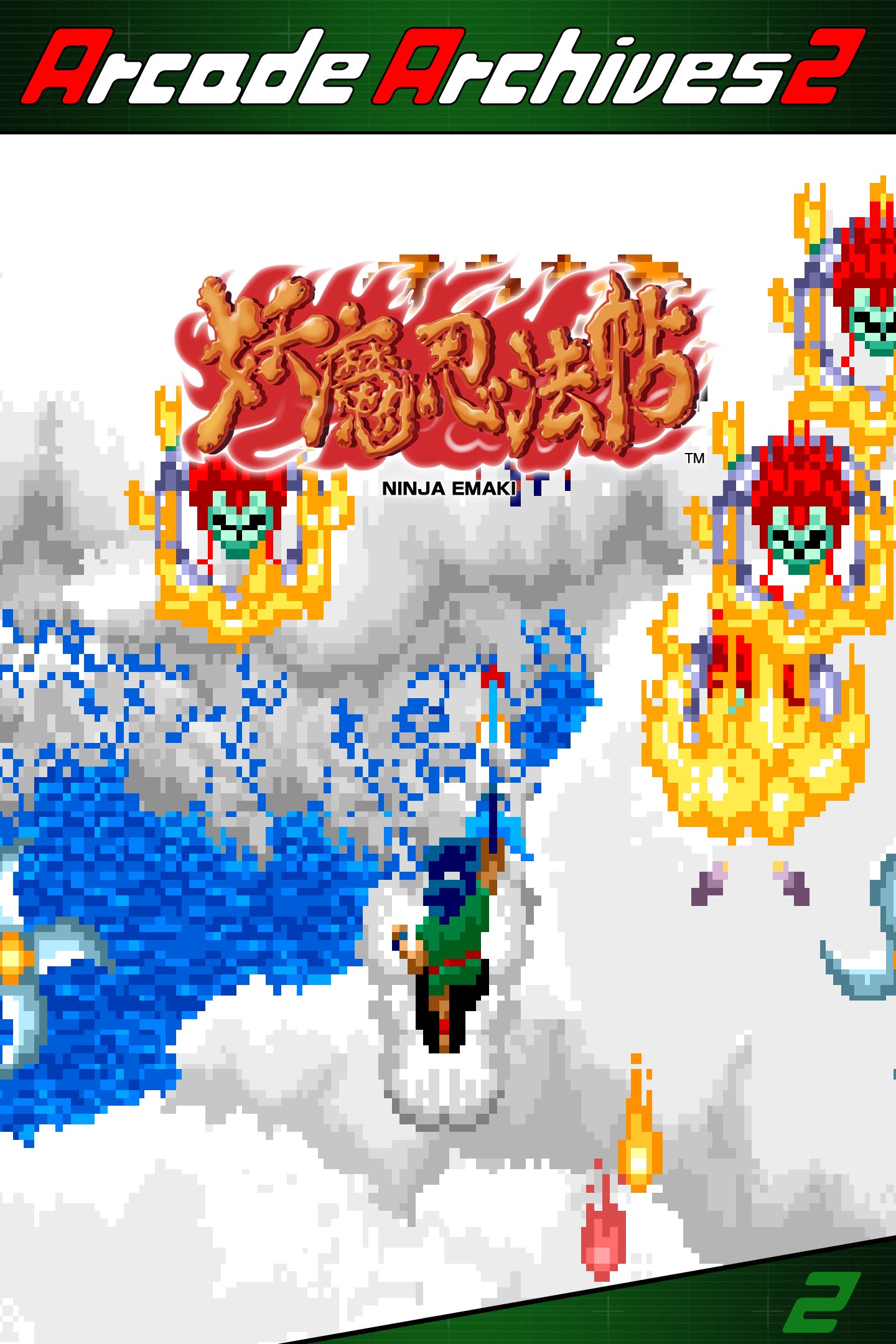
Arcade Archives 2 NINJA EMAKI
Details
- Publisher
- HAMSTER Corporation
- Developer
- HAMSTER Corporation
- Release date
- 19.08.2026
- Age rating
- ESRB:E10
- Localization
- English
Purchase options
Primary: our account is set as the home Xbox of your console ("My home Xbox"), so the game is shared with your own profile and works offline — that is one slot on one console. Secondary: you sign in to our account and launch the game from it, and the console has to stay online. The activation code is an extra option: it is redeemed on your own account, and the game stays there forever.
You install the game from our account and set our account as the home one ("My home Xbox"): after that you play from your own profile, and the progress and achievements stay yours. It works offline.
You sign in to our account and play right from it. A permanent internet connection is required and only the issued profile can be used. It costs less than the primary access.
A bonus way to buy: you get a 25-character code and redeem it on your own account. The game stays with you forever, no other profiles and no sign-in to a shared account.
What happens after payment
About the game
"NINJA EMAKI" is a shooter released by Nichibutsu in 1986.
Take control of the young hero Shinbei and fight to rescue the princess from the evil spirit army.
Pick up scrolls to gain access to 8 different kinds of Ninja Magic. Use them wisely, and they'll be the key to advancing through the game!
The “Arcade Archives” series is developed with the concept of faithfully reproducing classic arcade games. It also includes convenient features such as difficulty and screen settings, rewind, rapid-fire, and multiple save slots. In addition, players can compete for the best scores with players around the world through online rankings.
“Arcade Archives 2” adds a new “TIME ATTACK MODE” to the lineup of “ORIGINAL MODE,” “HI SCORE MODE,” and “CARAVAN MODE” included in the Arcade Archives series. In “TIME ATTACK MODE,” players compete to clear the game as quickly as possible, regardless of the score achieved. VRR (Variable Refresh Rate) support has also been added, allowing gameplay to be reproduced even closer to the original arcade experience.
Please enjoy these iconic arcade games that defined an era with the “Arcade Archives” series!
*This game uses the Japanese ROM for the main part of the game.
The options menu and manual are available in Japanese, English, French, German, Italian, and Spanish.
Screenshots
Click a frame to open it larger, use the arrows to browse
How to activate
Guide for Xbox Series X|S
Primary — the game is shared with your own profile
- 1Press the Xbox button, open "Profile & system" → "Add or switch" → "Add new" and sign in with the login and password from your order.
- 2Now open "Settings" → "General" → "Personalization" → "My home Xbox" and choose "Make this my home Xbox". This is what shares our games with every profile on your console.
- 3Switch back to your own profile, open "My games & apps" → "Library" and install the game. The internet is only needed for the download.
- 4Launch the game from your own profile: achievements, saves and progress stay yours, and after the installation the game works offline.
Only one console at a time can be the home Xbox for our account — that is the slot you bought. Please do not change the password, the email or the two-factor settings of the account, or the access will be blocked.
Secondary — you play from our account
- 1Press the Xbox button, open "Profile & system" → "Add or switch" → "Add new" and sign in with the login and password from your order.
- 2Open "My games & apps" → "Library", switch to our profile in the top-left corner and install the game.
- 3Launch the game while our profile stays signed in, and keep the console online: the licence is checked over the internet.
- 4Use your own profile for everything else — the game stays available as long as our account is signed in on this console.
Secondary costs less, but it needs a permanent internet connection and our account stays signed in on your console.
Activation code
- 1On the console open "Store" and go to the "Redeem code" section.
- 2Enter the 25-character code from your order and confirm the activation on your own account.
- 3After the activation the code is shown as "Used" — but you can reinstall the game from your library at any time.
Notes for Xbox Series
Important
How to play online
Warranty and support
The warranty covers the whole period of use of the account. If the access stops working, we replace the account or refund your money.
- If the game stops launching, we replace the account or refund your money.
- Average support response time — 15–30 minutes during working hours.
- The warranty covers the whole rental period of the access.
Support
Telegram: @weskars
E-mail: support@gears.games
Working hours: daily 11:00 – 23:00 (UTC+3)
Every order goes through clear stages: "New" → "Awaiting payment" → "Paid" → "Delivered". You can follow the status in your account page.
Similar games
More games in the "Action & adventure" genre



