
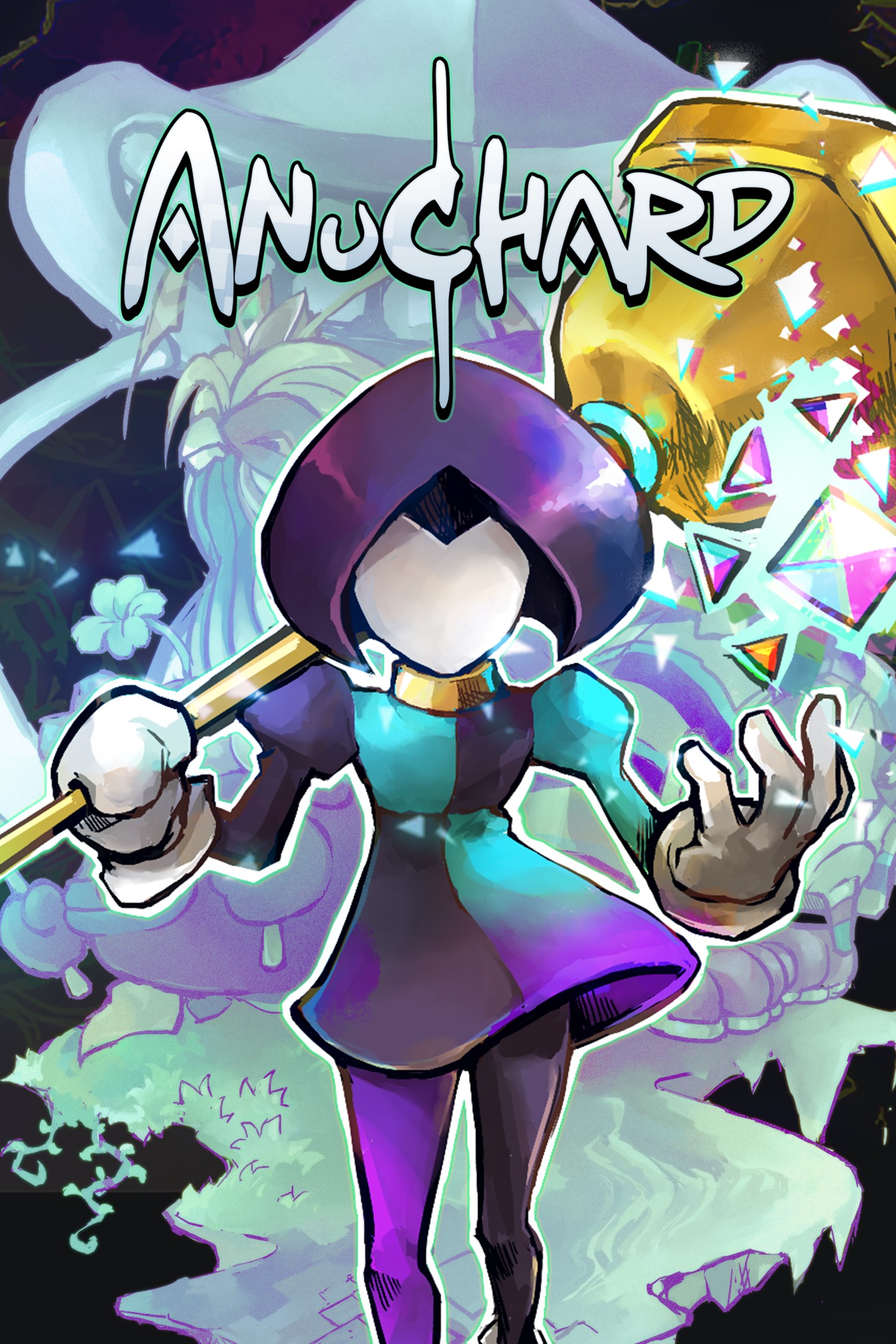
Anuchard
Details
- Publisher
- indie.io
- Developer
- stellarNull
- Release date
- 21.04.2022
- Age rating
- ESRB:T
- Localization
- English
Purchase options
Platform
Primary: our account is set as the home Xbox of your console ("My home Xbox"), so the game is shared with your own profile and works offline — that is one slot on one console. Secondary: you sign in to our account and launch the game from it, and the console has to stay online. The activation code is an extra option: it is redeemed on your own account, and the game stays there forever.
You install the game from our account and set our account as the home one ("My home Xbox"): after that you play from your own profile, and the progress and achievements stay yours. It works offline.
You sign in to our account and play right from it. A permanent internet connection is required and only the issued profile can be used. It costs less than the primary access.
A bonus way to buy: you get a 25-character code and redeem it on your own account. The game stays with you forever, no other profiles and no sign-in to a shared account.
What happens after payment
About the game
The kingdom of Anuchard has fallen.
Generations after the collapse, its surviving descendants have chosen you to become The Bellwielder of the magical Audros Bell. Go forth, battle monsters, solve puzzles, and restore Anuchard to its former skyward glory!
Anuchard was known as a place of wonder and peace, a land of limitless bounty suspended in the heavens above. Five ancient Guardians gave the island their blessings... Until one day they left without a word. The Anuchardian paradise fell from the skies, crashing onto the world below. Only a tiny speck of an island survived the fall. The rest has been coalesced underground into a twisted mass of winding passages full of wild magic and vicious monsters, known simply as The Dungeon.
Generations passed as few survivors eked out an existence in the Orchard, the sole village on the surviving island, which maintains the few remains of Anuchardian magic. Farmers tend to the fields while scavengers pick through the bones of the kingdom.
All await the Chosen One, the Bellwielder, who will take up the Audros Bell and enter the Dungeon, wake the Guardians from their slumber, and bring back paradise.
Be judged worthy and take up the mantle of the Bellwielder. The Dungeon awaits!
The Bell Tolls
For everyone and everything. You are the Bellwielder and the Audros Bell is your best friend.
Master the Bell! Not just as a weapon, but as a most vital tool for overcoming puzzles and obstacles.
A bell can be more than just a blunt instrument of mayhem. Use its knock-back ability to smash enemies into obstacles, reposition them, and clear the way forward.
Solve challenges throughout the Dungeon with the Bell. Launch projectiles, move puzzle pieces, and utilize them creatively!
Enter the Dungeon
The warped, magical Dungeon houses the Guardians needed to restore the lost kingdom of Anuchard.
Explore handcrafted, unique dungeons. Each was changed by magic to match the personality and aspect of its owner.
Each is a unique challenge as a result. Master their unique mechanics to reach the slumbering Guardians - and unlock the deepest reaches of the greater Dungeon.
Remember your duty: Confront and defeat the Guardians in set piece boss battles, to make them return to serve the people of Anuchard.
Restoring Paradise
Assist the Orchard along the path of a Bellwielder’s legendary quest.
Rescue the souls of lost villagers trapped in the Dungeon, returning them to Orchard through the ritual of revival.
Each revived villager contributes to your quest. Farmers, chefs, herbalists, all will help you and the rest of the village to restore Anuchard.
Prepare for ever deeper ventures into the Dungeon. Cook up meals using ingredients provided by village residents, then head back into the fray!
Screenshots
Click a frame to open it larger, use the arrows to browse
How to activate
Guide for Xbox One
Primary — the game is shared with your own profile
- 1Press the Xbox button, open "Profile & system" → "Add or switch" → "Add new" and sign in with the login and password from your order.
- 2Now open "Settings" → "General" → "Personalization" → "My home Xbox" and choose "Make this my home Xbox". This is what shares our games with every profile on your console.
- 3Switch back to your own profile, open "My games & apps" → "Library" and install the game. The internet is only needed for the download.
- 4Launch the game from your own profile: achievements, saves and progress stay yours, and after the installation the game works offline.
Only one console at a time can be the home Xbox for our account — that is the slot you bought. Please do not change the password, the email or the two-factor settings of the account, or the access will be blocked.
Secondary — you play from our account
- 1Press the Xbox button, open "Profile & system" → "Add or switch" → "Add new" and sign in with the login and password from your order.
- 2Open "My games & apps" → "Library", switch to our profile in the top-left corner and install the game.
- 3Launch the game while our profile stays signed in, and keep the console online: the licence is checked over the internet.
- 4Use your own profile for everything else — the game stays available as long as our account is signed in on this console.
Secondary costs less, but it needs a permanent internet connection and our account stays signed in on your console.
Activation code
- 1On the console open "Store" and go to the "Redeem code" section.
- 2Enter the 25-character code from your order and confirm the activation on your own account.
- 3After the activation the code is shown as "Used" — but you can reinstall the game from your library at any time.
Notes for Xbox One
Important
How to play online
Warranty and support
The warranty covers the whole period of use of the account. If the access stops working, we replace the account or refund your money.
- If the game stops launching, we replace the account or refund your money.
- Average support response time — 15–30 minutes during working hours.
- The warranty covers the whole rental period of the access.
Support
Telegram: @weskars
E-mail: support@gears.games
Working hours: daily 11:00 – 23:00 (UTC+3)
Every order goes through clear stages: "New" → "Awaiting payment" → "Paid" → "Delivered". You can follow the status in your account page.
Similar games
More games in the "Action & adventure" genre



