
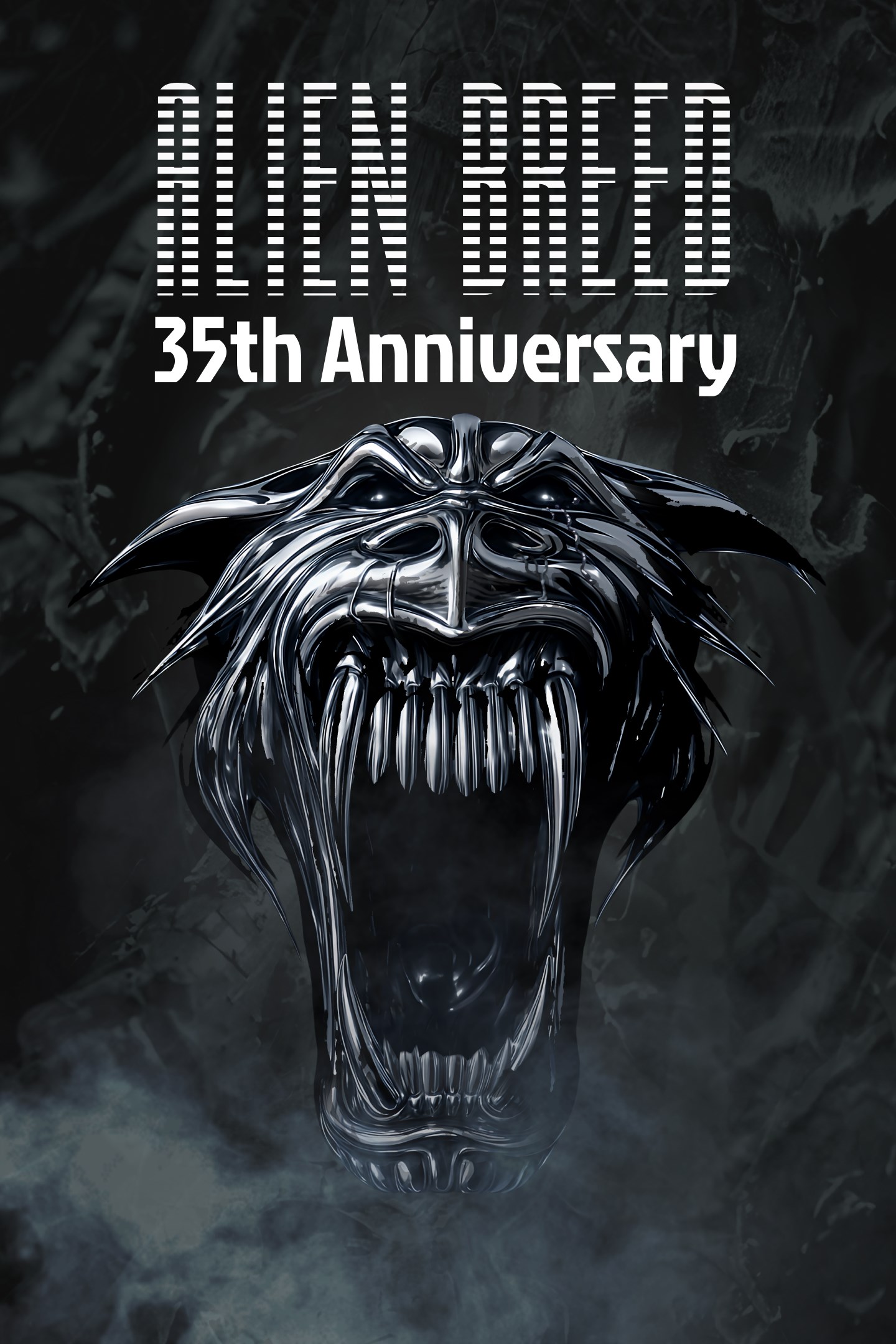
Alien Breed 35th Anniversary
Details
- Publisher
- Commodore
- Developer
- Antstream
- Release date
- 24.09.2026
- Age rating
- ESRB:T
- Localization
- English
Purchase options
Primary: our account is set as the home Xbox of your console ("My home Xbox"), so the game is shared with your own profile and works offline — that is one slot on one console. Secondary: you sign in to our account and launch the game from it, and the console has to stay online. The activation code is an extra option: it is redeemed on your own account, and the game stays there forever.
You install the game from our account and set our account as the home one ("My home Xbox"): after that you play from your own profile, and the progress and achievements stay yours. It works offline.
You sign in to our account and play right from it. A permanent internet connection is required and only the issued profile can be used. It costs less than the primary access.
A bonus way to buy: you get a 25-character code and redeem it on your own account. The game stays with you forever, no other profiles and no sign-in to a shared account.
What happens after payment
About the game
<</Briefing protocol - Tango - one - seven - mark - three - five - two - zero - two - six. >>
###.Arrival in T-minus 47 seconds. Report - Intex Elite Archive Retrieval Team - Attempt Thirty-Six._###
35 years ago, this station initiated blackout protocols, burying the first era of Intex’s xeno operations.
Your objective - Infiltrate the station, get power and system systems back online, uncover the last, complete archive of original redacted documents, first-person combat firefights and classified secrets.
Archive footage and the all-new Horde Mode training will equip you with the skills you will need to survive. When you're ready, deploy across six core original campaigns as a lone-wolf, with locally assigned personnel, or alongside remote operators connected through a direct peer-to-peer uplink.
Intex has unlocked an all-new tactical suite to increase chances of success. New software enhancements, modern combat control augments, and field-deployable revive packs are at your disposal. Overhauled optical tools will allow you to set up your HUD for complete environmental controls.
Once complete initiate return file transfer. You are not expected to survive. This operation will not be acknowledged. Your company thanks you for your service.
<<_#Terminate File... Redact operational logs. /Deactivate>>
Celebrate 35 years of top-down sci-fi horror-action with the definitive Alien Breed Collection. Experience the complete library of games, extras and more from the franchise’s first era, all optimised in their original formats and including modern controls.
The Vault Interactive Archives - Step behind the airlocks to explore an expansive archive of the series' history through an in-universe interactive experience, hiding more than a few secrets. The Vault offers a deep dive into the concept art and original retail launches, while The Timeline features exclusive developer interviews and retrospective videos from the original team.
Updated Combat, UI & Customisation - An upgraded hardware interface makes the original titles more accessible without losing the soul of the original gameplay. Precision controls as standard with full twin-stick support for both 2D and 3D titles, and classic Mouse and Keyboard support for 3D. Drastically improved framerates provide a fluid FPS experience. Tactical Save States provide multiple slots to pause and continue different runs. Fine-tune your visuals, audio and gameplay settings across the entire collection with the Global Customisation options.
Retro-Visual Toolkit - Switch between a classic 4:3 aspect ratio or modern 16:9 formats. Capture the authentic 90s glow with the CRT Experience offering professional-grade Scanlines, CRT TV, and "Mega CRT" filters. Toggle custom in-game screen bezels to perfectly frame the retro action on modern monitors.
Multiplayer & New Challenges - Couch Co-Op modes have been preserved exactly as players remember from the originals for those seeking a traditional trip down memory lane.
New Rush Mode & Horde Mode – Take on a high-stakes P2P Online Co-Op experience in Rush Mode. Tackle the relentless swarm in solo or as a team across all supported platforms with no saves and no continues. Discover the all-new Horde Mode solo survival experience. See how long you can last against the hunger of the Breed?
Screenshots
Click a frame to open it larger, use the arrows to browse
How to activate
Guide for Xbox Series X|S
Primary — the game is shared with your own profile
- 1Press the Xbox button, open "Profile & system" → "Add or switch" → "Add new" and sign in with the login and password from your order.
- 2Now open "Settings" → "General" → "Personalization" → "My home Xbox" and choose "Make this my home Xbox". This is what shares our games with every profile on your console.
- 3Switch back to your own profile, open "My games & apps" → "Library" and install the game. The internet is only needed for the download.
- 4Launch the game from your own profile: achievements, saves and progress stay yours, and after the installation the game works offline.
Only one console at a time can be the home Xbox for our account — that is the slot you bought. Please do not change the password, the email or the two-factor settings of the account, or the access will be blocked.
Secondary — you play from our account
- 1Press the Xbox button, open "Profile & system" → "Add or switch" → "Add new" and sign in with the login and password from your order.
- 2Open "My games & apps" → "Library", switch to our profile in the top-left corner and install the game.
- 3Launch the game while our profile stays signed in, and keep the console online: the licence is checked over the internet.
- 4Use your own profile for everything else — the game stays available as long as our account is signed in on this console.
Secondary costs less, but it needs a permanent internet connection and our account stays signed in on your console.
Activation code
- 1On the console open "Store" and go to the "Redeem code" section.
- 2Enter the 25-character code from your order and confirm the activation on your own account.
- 3After the activation the code is shown as "Used" — but you can reinstall the game from your library at any time.
Notes for Xbox Series
Important
How to play online
Warranty and support
The warranty covers the whole period of use of the account. If the access stops working, we replace the account or refund your money.
- If the game stops launching, we replace the account or refund your money.
- Average support response time — 15–30 minutes during working hours.
- The warranty covers the whole rental period of the access.
Support
Telegram: @weskars
E-mail: support@gears.games
Working hours: daily 11:00 – 23:00 (UTC+3)
Every order goes through clear stages: "New" → "Awaiting payment" → "Paid" → "Delivered". You can follow the status in your account page.
Similar games
More games in the "Action & adventure" genre



