
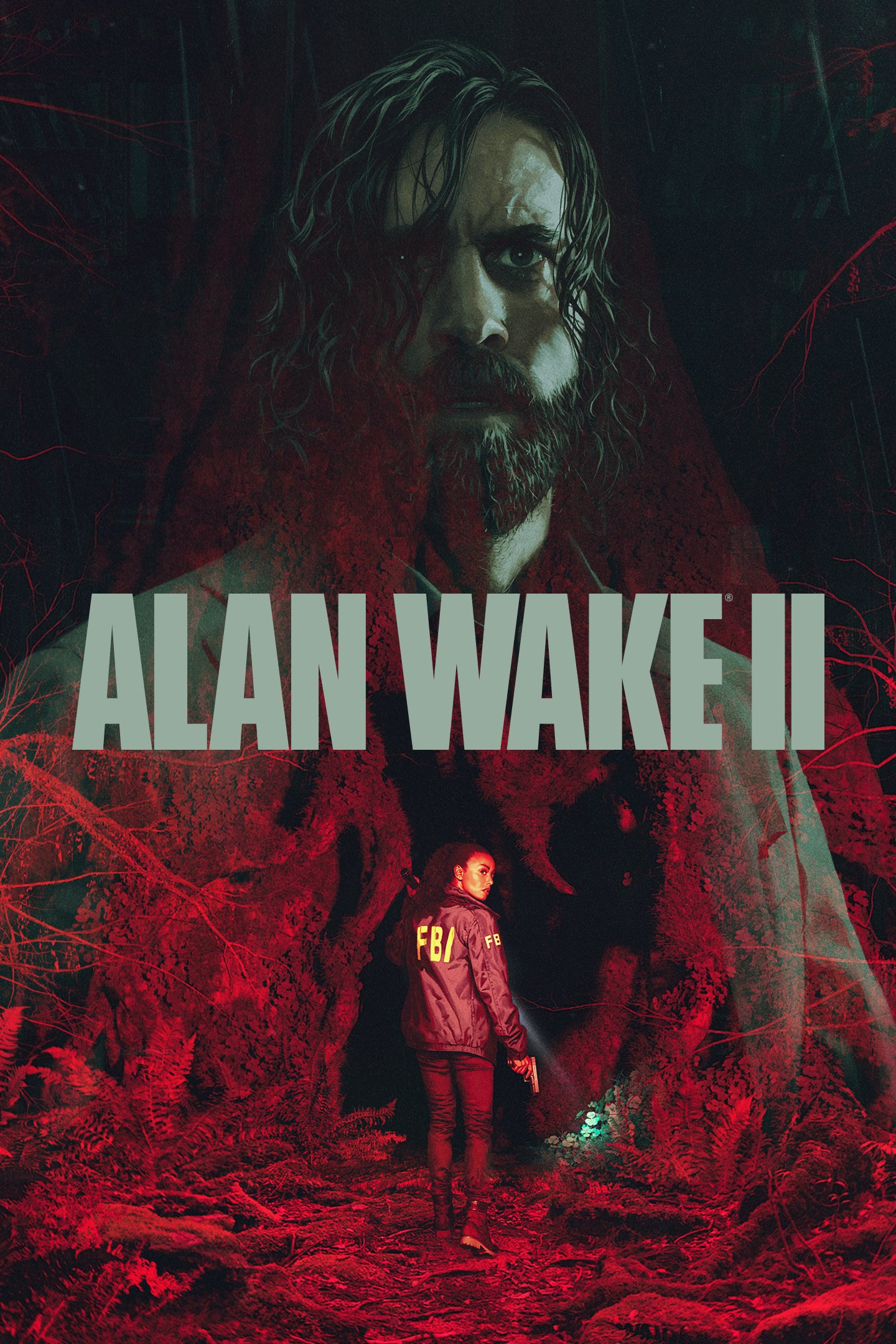
Alan Wake 2
Details
- Publisher
- Epic Games
- Developer
- Remedy Entertainment
- Release date
- 27.10.2023
- Age rating
- ESRB:M
- Localization
- English
Purchase options
Primary: our account is set as the home Xbox of your console ("My home Xbox"), so the game is shared with your own profile and works offline — that is one slot on one console. Secondary: you sign in to our account and launch the game from it, and the console has to stay online. The activation code is an extra option: it is redeemed on your own account, and the game stays there forever.
You install the game from our account and set our account as the home one ("My home Xbox"): after that you play from your own profile, and the progress and achievements stay yours. It works offline.
You sign in to our account and play right from it. A permanent internet connection is required and only the issued profile can be used. It costs less than the primary access.
A bonus way to buy: you get a 25-character code and redeem it on your own account. The game stays with you forever, no other profiles and no sign-in to a shared account.
What happens after payment
About the game
Game Overview
A string of ritualistic murders threatens Bright Falls, a small-town community surrounded by Pacific Northwest wilderness. Saga Anderson, an accomplished FBI agent with a reputation for solving impossible cases arrives to investigate the murders. Anderson’s case spirals into a nightmare when she discovers pages of a horror story that starts to come true around her.
Alan Wake, a lost writer trapped in a nightmare beyond our world, writes a dark story in an attempt to shape the reality around him and escape his prison. With a dark horror hunting him, Wake is trying to retain his sanity and beat the devil at his own game.
Anderson and Wake are two heroes on two desperate journeys in two separate realities, connected at heart in ways neither of them can understand: reflecting each other, echoing each other, and affecting the worlds around them.
Fueled by the horror story, supernatural darkness invades Bright Falls, corrupting the locals and threatening the loved ones of both Anderson and Wake. Light is their weapon—and their safe haven — against the darkness they face. Trapped in a sinister horror story where there are only victims and monsters, can they break out to be the heroes they need to be?
Solve a Deadly Mystery
What begins as a small-town murder investigation rapidly spirals into a nightmare journey. Uncover the source of the supernatural darkness in this psychological horror story filled with intense suspense and unexpected twists.
Play As Two Characters
Experience both Alan Wake’s and Saga Anderson’s stories and see events unfold from different perspectives. Switch between Anderson’s life-or-death race to solve the case and Wake’s desperate attempts to rewrite his reality to escape the depths of the Dark Place.
Explore Two Worlds
Experience two beautiful yet terrifying worlds, each with its own rich cast of characters and deadly threats. Discover majestic landscapes of Cauldron Lake in the Pacific Northwest and the idyllic towns of Bright Falls and Watery. Contrasting sharply, attempt to escape the nightmarish cityscape of the Dark Place.
Survive With Light
With limited resources, take on powerful supernatural enemies in desperate close-combat situations. It takes more than just a gun to survive: light is the ultimate weapon in the fight against the darkness and will be your refuge when enemies threaten to overwhelm you.
Screenshots
Click a frame to open it larger, use the arrows to browse
How to activate
Guide for Xbox Series X|S
Primary — the game is shared with your own profile
- 1Press the Xbox button, open "Profile & system" → "Add or switch" → "Add new" and sign in with the login and password from your order.
- 2Now open "Settings" → "General" → "Personalization" → "My home Xbox" and choose "Make this my home Xbox". This is what shares our games with every profile on your console.
- 3Switch back to your own profile, open "My games & apps" → "Library" and install the game. The internet is only needed for the download.
- 4Launch the game from your own profile: achievements, saves and progress stay yours, and after the installation the game works offline.
Only one console at a time can be the home Xbox for our account — that is the slot you bought. Please do not change the password, the email or the two-factor settings of the account, or the access will be blocked.
Secondary — you play from our account
- 1Press the Xbox button, open "Profile & system" → "Add or switch" → "Add new" and sign in with the login and password from your order.
- 2Open "My games & apps" → "Library", switch to our profile in the top-left corner and install the game.
- 3Launch the game while our profile stays signed in, and keep the console online: the licence is checked over the internet.
- 4Use your own profile for everything else — the game stays available as long as our account is signed in on this console.
Secondary costs less, but it needs a permanent internet connection and our account stays signed in on your console.
Activation code
- 1On the console open "Store" and go to the "Redeem code" section.
- 2Enter the 25-character code from your order and confirm the activation on your own account.
- 3After the activation the code is shown as "Used" — but you can reinstall the game from your library at any time.
Notes for Xbox Series
Important
How to play online
Warranty and support
The warranty covers the whole period of use of the account. If the access stops working, we replace the account or refund your money.
- If the game stops launching, we replace the account or refund your money.
- Average support response time — 15–30 minutes during working hours.
- The warranty covers the whole rental period of the access.
Support
Telegram: @weskars
E-mail: support@gears.games
Working hours: daily 11:00 – 23:00 (UTC+3)
Every order goes through clear stages: "New" → "Awaiting payment" → "Paid" → "Delivered". You can follow the status in your account page.
Similar games
More games in the "Action & adventure" genre



