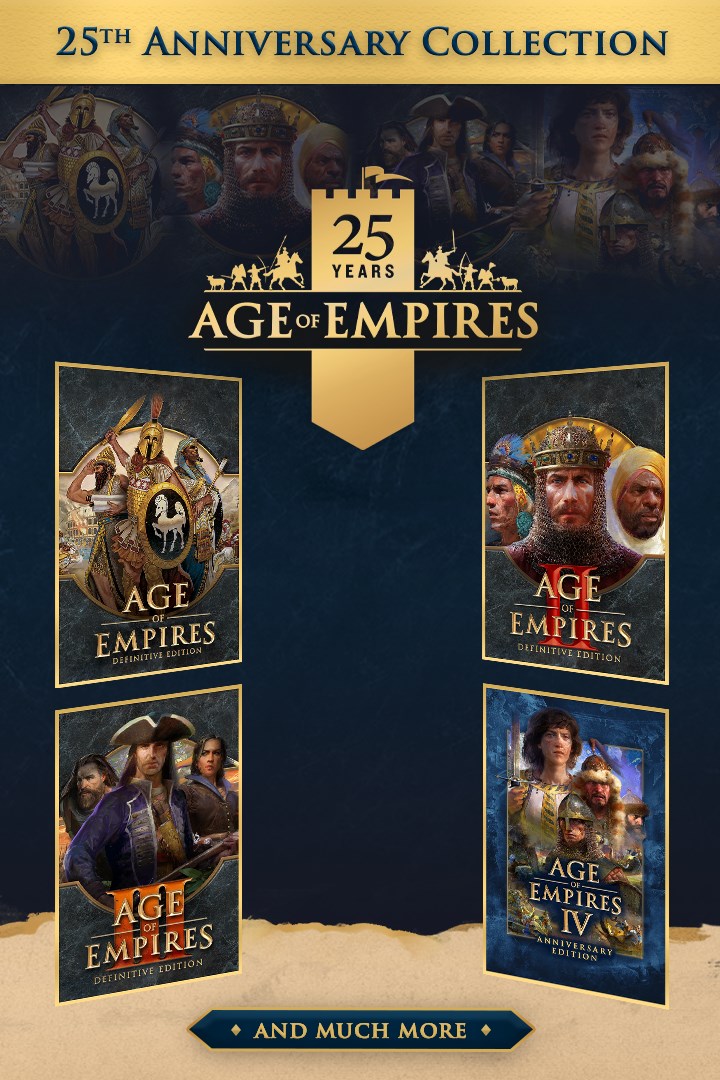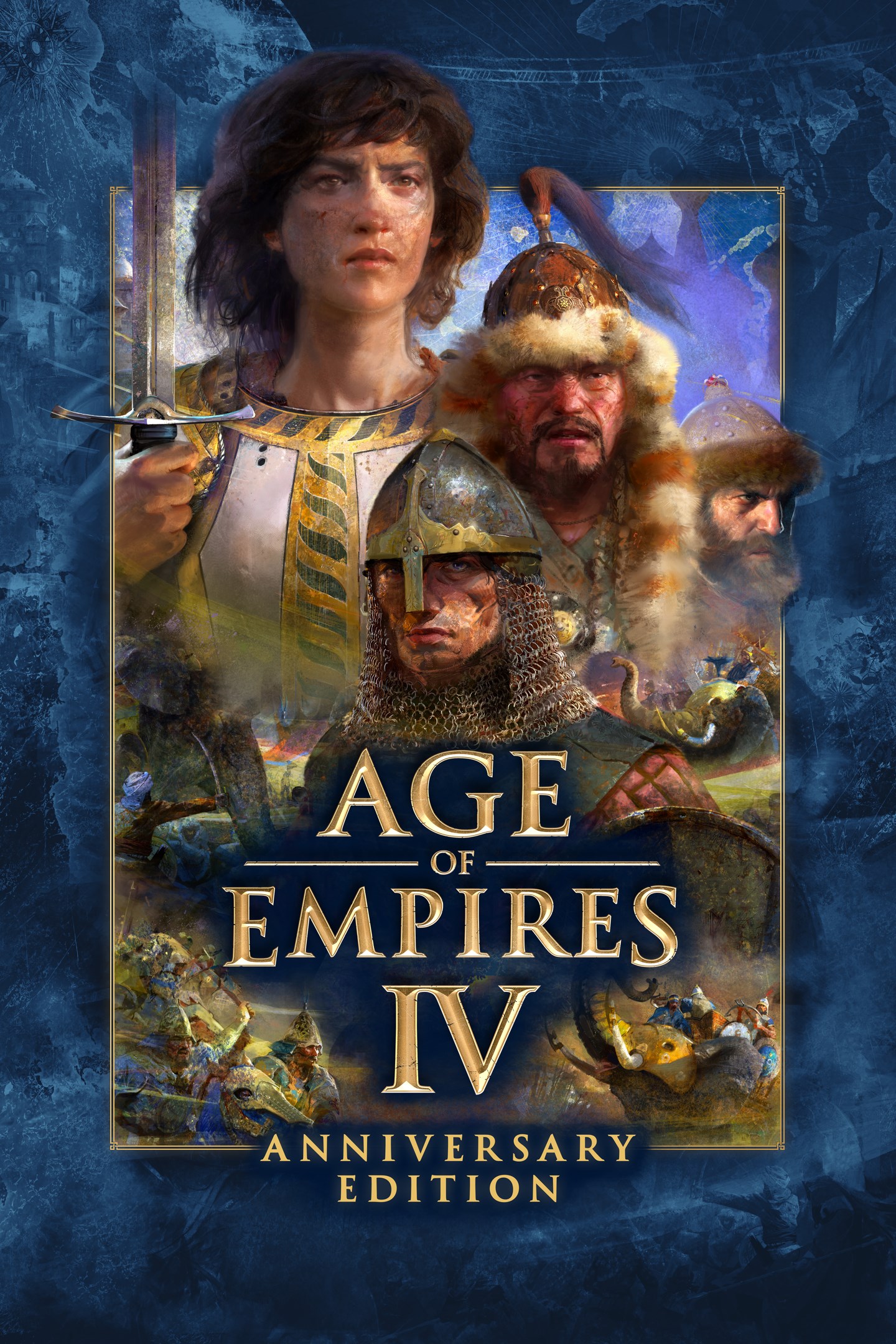
Age of Empires IV: Anniversary Edition
Age of Empires IV: Юбилейное издание
Details
- Publisher
- Xbox Game Studios
- Developer
- World's Edge, Relic Entertainment
- Release date
- 22.08.2023
- Age rating
- ESRB:T
- Localization
- English
- Metascore
- 81 / 100
Source: Steam
Purchase options
Platform
Primary: our account is set as the home Xbox of your console ("My home Xbox"), so the game is shared with your own profile and works offline — that is one slot on one console. Secondary: you sign in to our account and launch the game from it, and the console has to stay online. The activation code is an extra option: it is redeemed on your own account, and the game stays there forever.
You install the game from our account and set our account as the home one ("My home Xbox"): after that you play from your own profile, and the progress and achievements stay yours. It works offline.
You sign in to our account and play right from it. A permanent internet connection is required and only the issued profile can be used. It costs less than the primary access.
A bonus way to buy: you get a 25-character code and redeem it on your own account. The game stays with you forever, no other profiles and no sign-in to a shared account.
What happens after payment
About the game
For years you’ve battled armies and made history your story. Now it’s time to make history once more with a new breakthrough in strategy gaming – introducing Age of Empires IV: Anniversary Edition now available on Xbox consoles.*
Enjoy innovative ways to play one of the most beloved strategy games ever with native inputs for Xbox controller, console-specific user interface, and a new tutorial designed for first time players to help achieve easy setup and success. Additionally, if you prefer playing with a keyboard and mouse you can easily plug directly into your console.
Return to History – The past is prologue as you are immersed in a rich historical setting of 10 diverse civilizations across the world from the English to the Chinese to the Delhi Sultanate in your quest for victory. Build cities, manage resources, and lead your troops to battle on land and at sea in 4 distinct campaigns with 35 missions that span across 500 years of history from the Dark Ages up to the Renaissance.
Choose Your Path to Greatness with Historical Figures – Live the adventures of Joan of Arc in her quest to defeat the English, or command mighty Mongol troops as Genghis Khan in his conquest across Asia. The choice is yours – and every decision you make will determine the outcome of history.
Challenge the World – Jump online to compete, cooperate or spectate with up to 7 of your friends in PVP and PVE multiplayer modes on Xbox One Series X I S and up to 3 friends on Xbox One. (Online console multiplayer requires Xbox Game Pass Ultimate or Xbox Live Gold, subscriptions sold separately.)
Play Custom Games with Mods (Beta) - Play custom skirmish and multiplayer maps, unique mission scenarios, data driven tuning packs and new modes of play for Age of Empires IV.
An Age for All Players – Age of Empires IV is an inviting experience for new players with a console-specific tutorial that teaches the essence of real-time strategy and a Campaign Story Mode designed for first time players to help achieve easy setup and success, yet is challenging enough for veteran players with new game mechanics, evolved strategies, and combat techniques.
*This content is available on Xbox consoles as a free download for current Xbox Game Pass subscribers and owners of Age of Empires IV on PC, excluding Steam purchasers.
Screenshots
Click a frame to open it larger, use the arrows to browse
How to activate
Guide for Xbox One
Primary — the game is shared with your own profile
- 1Press the Xbox button, open "Profile & system" → "Add or switch" → "Add new" and sign in with the login and password from your order.
- 2Now open "Settings" → "General" → "Personalization" → "My home Xbox" and choose "Make this my home Xbox". This is what shares our games with every profile on your console.
- 3Switch back to your own profile, open "My games & apps" → "Library" and install the game. The internet is only needed for the download.
- 4Launch the game from your own profile: achievements, saves and progress stay yours, and after the installation the game works offline.
Only one console at a time can be the home Xbox for our account — that is the slot you bought. Please do not change the password, the email or the two-factor settings of the account, or the access will be blocked.
Secondary — you play from our account
- 1Press the Xbox button, open "Profile & system" → "Add or switch" → "Add new" and sign in with the login and password from your order.
- 2Open "My games & apps" → "Library", switch to our profile in the top-left corner and install the game.
- 3Launch the game while our profile stays signed in, and keep the console online: the licence is checked over the internet.
- 4Use your own profile for everything else — the game stays available as long as our account is signed in on this console.
Secondary costs less, but it needs a permanent internet connection and our account stays signed in on your console.
Activation code
- 1On the console open "Store" and go to the "Redeem code" section.
- 2Enter the 25-character code from your order and confirm the activation on your own account.
- 3After the activation the code is shown as "Used" — but you can reinstall the game from your library at any time.
Notes for Xbox One
Important
How to play online
Warranty and support
The warranty covers the whole period of use of the account. If the access stops working, we replace the account or refund your money.
- If the game stops launching, we replace the account or refund your money.
- Average support response time — 15–30 minutes during working hours.
- The warranty covers the whole rental period of the access.
Support
Telegram: @weskars
E-mail: support@gears.games
Working hours: daily 11:00 – 23:00 (UTC+3)
Every order goes through clear stages: "New" → "Awaiting payment" → "Paid" → "Delivered". You can follow the status in your account page.
Similar games
More games in the "Strategy" genre