
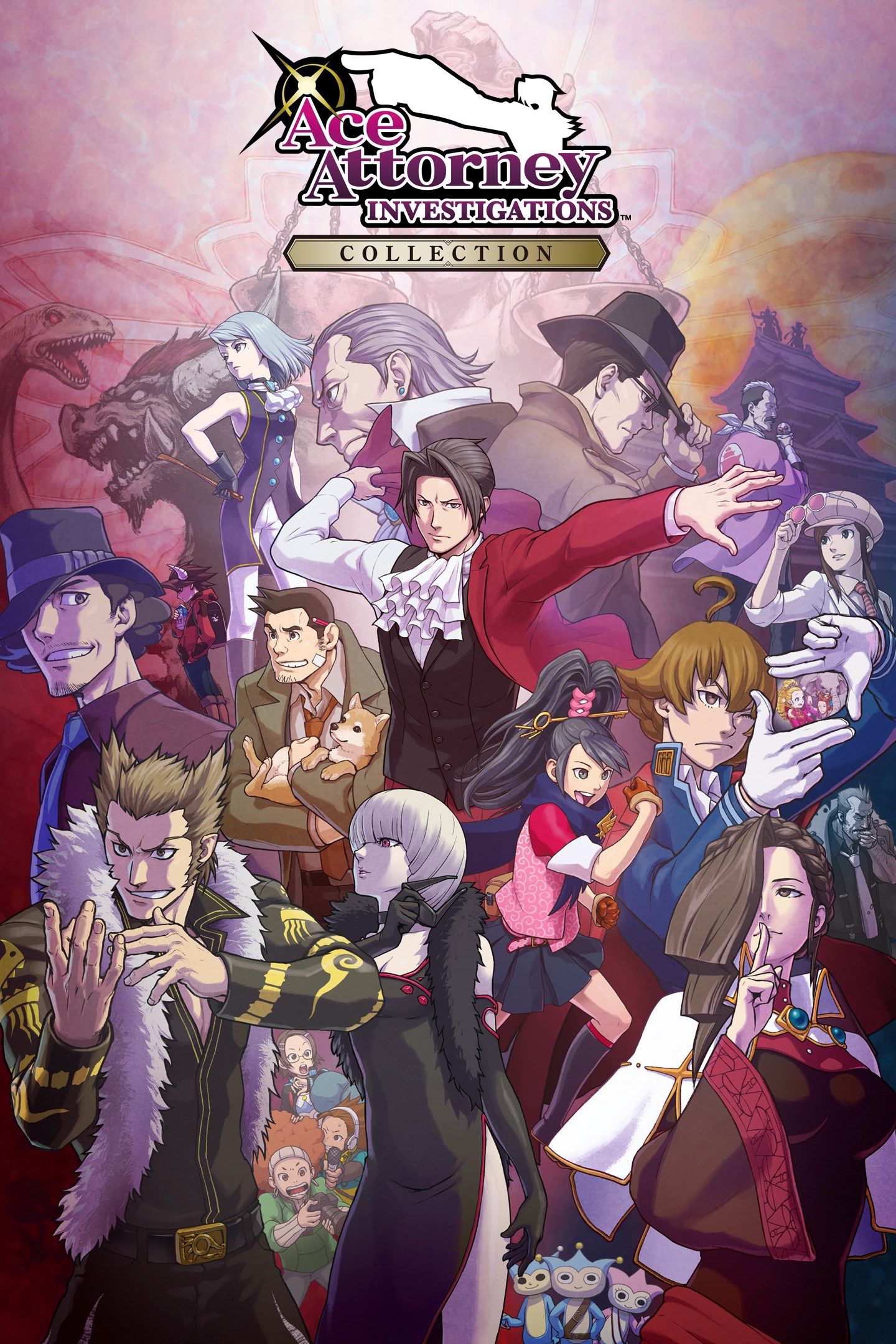
Ace Attorney Investigations Collection
Details
- Publisher
- CAPCOM CO., LTD.
- Developer
- CAPCOM CO., LTD.
- Release date
- 06.09.2024
- Age rating
- ESRB:T
- Localization
- English
- Metascore
- 82 / 100
Source: Steam
Purchase options
Platform
Primary: our account is set as the home Xbox of your console ("My home Xbox"), so the game is shared with your own profile and works offline — that is one slot on one console. Secondary: you sign in to our account and launch the game from it, and the console has to stay online. The activation code is an extra option: it is redeemed on your own account, and the game stays there forever.
You install the game from our account and set our account as the home one ("My home Xbox"): after that you play from your own profile, and the progress and achievements stay yours. It works offline.
You sign in to our account and play right from it. A permanent internet connection is required and only the issued profile can be used. It costs less than the primary access.
A bonus way to buy: you get a 25-character code and redeem it on your own account. The game stays with you forever, no other profiles and no sign-in to a shared account.
What happens after payment
About the game
Experience both Ace Attorney Investigations games in one gorgeous collection! Step into the shoes of Miles Edgeworth, that prosecutor of prosecutors from the Ace Attorney mainline games!
Leave the courtroom behind as you walk with Edgeworth around the crime scene, gathering evidence and clues and talking with persons of interest. Use your wit and what you discover to solve tough, intriguing cases through logic and deduction.
- Both games have been given the full HD treatment, including all-new designs for the chibi characters! Classic pixel art style is also available for a more retro vibe!
- Quality of life improvements including Chapter Select have been added, making it a breeze to replay your favorite parts!
- Autoplay and Story Mode have also been added. Autoplay will progress the dialogue for you, while Story Mode will solve even the toughest puzzles on your behalf -- perfect for those who just want to sit back and enjoy a good mystery!
*You can turn Story Mode on and off at any time.
- A Gallery section packed with bonus materials that are sure to please is also included! View in-game illustrations and character animations along with character design sketches and more! Listen to the background music of each game or bask in the beauty of some orchestral arrangements!
- Play the games in English, French, German, Japanese, Korean, Traditional Chinese, and Simplified Chinese!
Screenshots
Click a frame to open it larger, use the arrows to browse
How to activate
Guide for Xbox One
Primary — the game is shared with your own profile
- 1Press the Xbox button, open "Profile & system" → "Add or switch" → "Add new" and sign in with the login and password from your order.
- 2Now open "Settings" → "General" → "Personalization" → "My home Xbox" and choose "Make this my home Xbox". This is what shares our games with every profile on your console.
- 3Switch back to your own profile, open "My games & apps" → "Library" and install the game. The internet is only needed for the download.
- 4Launch the game from your own profile: achievements, saves and progress stay yours, and after the installation the game works offline.
Only one console at a time can be the home Xbox for our account — that is the slot you bought. Please do not change the password, the email or the two-factor settings of the account, or the access will be blocked.
Secondary — you play from our account
- 1Press the Xbox button, open "Profile & system" → "Add or switch" → "Add new" and sign in with the login and password from your order.
- 2Open "My games & apps" → "Library", switch to our profile in the top-left corner and install the game.
- 3Launch the game while our profile stays signed in, and keep the console online: the licence is checked over the internet.
- 4Use your own profile for everything else — the game stays available as long as our account is signed in on this console.
Secondary costs less, but it needs a permanent internet connection and our account stays signed in on your console.
Activation code
- 1On the console open "Store" and go to the "Redeem code" section.
- 2Enter the 25-character code from your order and confirm the activation on your own account.
- 3After the activation the code is shown as "Used" — but you can reinstall the game from your library at any time.
Notes for Xbox One
Important
How to play online
Warranty and support
The warranty covers the whole period of use of the account. If the access stops working, we replace the account or refund your money.
- If the game stops launching, we replace the account or refund your money.
- Average support response time — 15–30 minutes during working hours.
- The warranty covers the whole rental period of the access.
Support
Telegram: @weskars
E-mail: support@gears.games
Working hours: daily 11:00 – 23:00 (UTC+3)
Every order goes through clear stages: "New" → "Awaiting payment" → "Paid" → "Delivered". You can follow the status in your account page.
Similar games
More games in the "Action & adventure" genre



