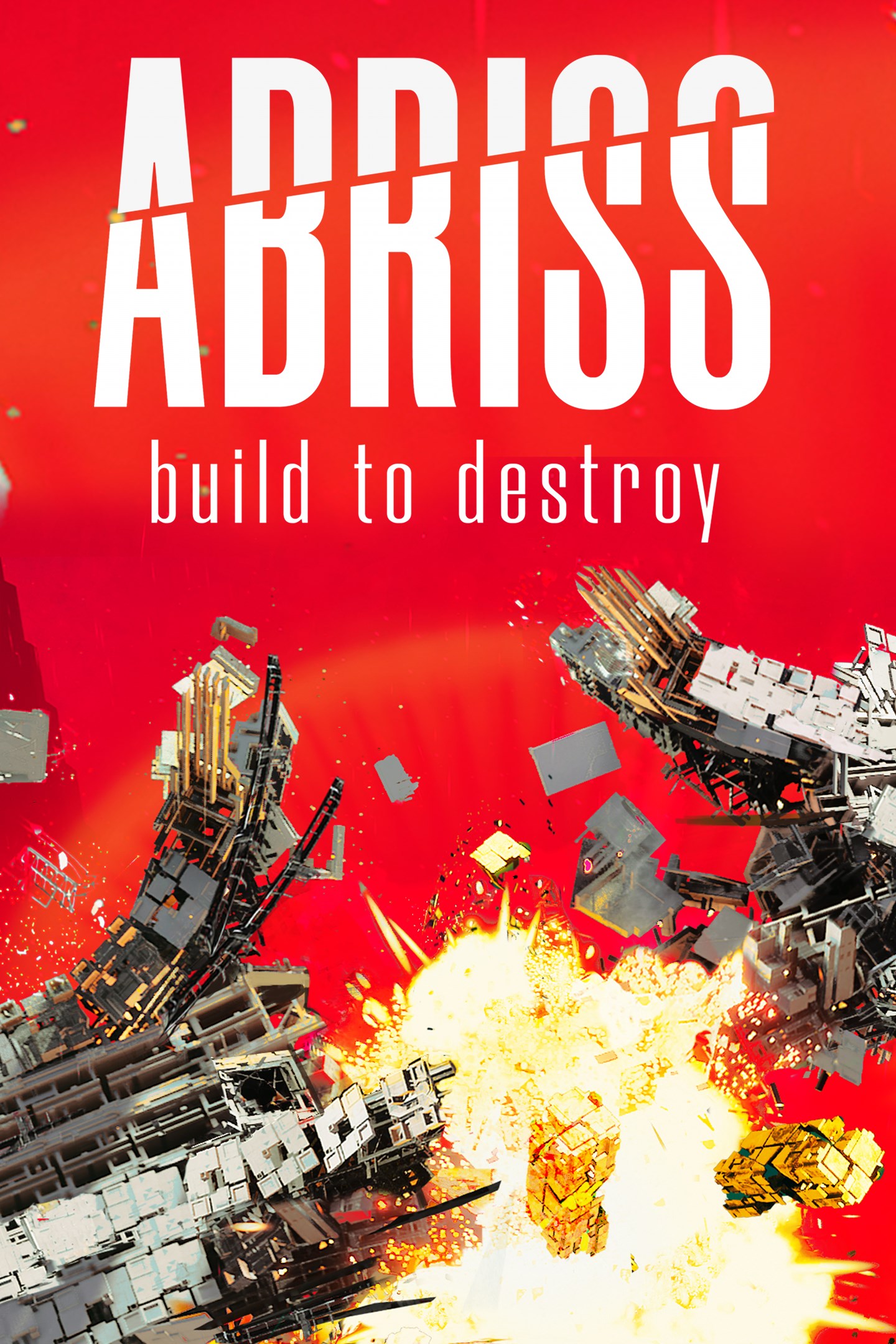
ABRISS - build to destroy
Details
- Publisher
- astragon Entertainment GmbH
- Developer
- Randwerk Games
- Release date
- 07.03.2024
- Age rating
- ESRB:E
- Localization
- English
Purchase options
Primary: our account is set as the home Xbox of your console ("My home Xbox"), so the game is shared with your own profile and works offline — that is one slot on one console. Secondary: you sign in to our account and launch the game from it, and the console has to stay online. The activation code is an extra option: it is redeemed on your own account, and the game stays there forever.
You install the game from our account and set our account as the home one ("My home Xbox"): after that you play from your own profile, and the progress and achievements stay yours. It works offline.
You sign in to our account and play right from it. A permanent internet connection is required and only the issued profile can be used. It costs less than the primary access.
A bonus way to buy: you get a 25-character code and redeem it on your own account. The game stays with you forever, no other profiles and no sign-in to a shared account.
What happens after payment
About the game
ABRISS is an atmospheric physics-destruction building game.
Build structures from parts to let them crash into your targets. Unlock new parts, destroy more, witness entropy at its worst in digital-brutalist cityscapes. Build to destroy.
GAMEPLAY
BUILD
Choose from parts with different weights, forms and functions to build a structure.
Thruster + Connector + Bomb? You just built a rocket.
Thruster + Rotator + Laser? You just built a rotating laser rocket.
Pillar + Connector + Ultra Heavy Cube? That's a giant hammer.
Be creative and resourceful with the parts you get, try to destroy the target with less parts or in a more elegant way – it's going to be a spectacle any way you do it.
DESTROY
Try to hit the main targets to win a level in campaign mode. Destroy an armored wall first so you can then shoot through the hole into the vulnerable center. Try to hit a bomb in the environment. Use environment mechanics like the giant Pistons to catapult Ultra Heavy Cubes into a target. Or just throw everything you have at your targets – that might just work too.
FEATURES
COMPLEX DESTRUCTION SYSTEM
Simulated statics, thousands of little particles of debris, whole chunks of targets flying into the abyss – with little to no framerate spikes.
CAMPAIGN
Seven worlds with several stages including bonus levels each, every stage a hand-crafted destructible cityscape. You will start each stage with a limited set of parts and you will need to find a strategy on how to use them to destroy all main target blocks. You will unlock new parts the further you progress, and every world comes with it's own special environmental mechanic. You can always return to a stage to try to destroy a higher percentage of it, or do it in less moves.
SANDBOX
Try out new patterns of building stuff. Play around with parts you haven't unlocked yet. Try to fry your GPU with 1000 Lasers at once.
NEW: ENDLESS MODE
Play the new Endless game mode and try to reach the ultimate highscore.
PHOTO MODE
take a free camera flying to get the best composition. Freeze or slow down time to get the perfect shot of the destruction you just caused. Apply filters to change the vibe of your photography. Export in wonderfully sharp 4k jpegs. Share them with us!
Screenshots
Click a frame to open it larger, use the arrows to browse
How to activate
Guide for Xbox Series X|S
Primary — the game is shared with your own profile
- 1Press the Xbox button, open "Profile & system" → "Add or switch" → "Add new" and sign in with the login and password from your order.
- 2Now open "Settings" → "General" → "Personalization" → "My home Xbox" and choose "Make this my home Xbox". This is what shares our games with every profile on your console.
- 3Switch back to your own profile, open "My games & apps" → "Library" and install the game. The internet is only needed for the download.
- 4Launch the game from your own profile: achievements, saves and progress stay yours, and after the installation the game works offline.
Only one console at a time can be the home Xbox for our account — that is the slot you bought. Please do not change the password, the email or the two-factor settings of the account, or the access will be blocked.
Secondary — you play from our account
- 1Press the Xbox button, open "Profile & system" → "Add or switch" → "Add new" and sign in with the login and password from your order.
- 2Open "My games & apps" → "Library", switch to our profile in the top-left corner and install the game.
- 3Launch the game while our profile stays signed in, and keep the console online: the licence is checked over the internet.
- 4Use your own profile for everything else — the game stays available as long as our account is signed in on this console.
Secondary costs less, but it needs a permanent internet connection and our account stays signed in on your console.
Activation code
- 1On the console open "Store" and go to the "Redeem code" section.
- 2Enter the 25-character code from your order and confirm the activation on your own account.
- 3After the activation the code is shown as "Used" — but you can reinstall the game from your library at any time.
Notes for Xbox Series
Important
How to play online
Warranty and support
The warranty covers the whole period of use of the account. If the access stops working, we replace the account or refund your money.
- If the game stops launching, we replace the account or refund your money.
- Average support response time — 15–30 minutes during working hours.
- The warranty covers the whole rental period of the access.
Support
Telegram: @weskars
E-mail: support@gears.games
Working hours: Daily 11:00–23:00 (UTC+3)
Every order goes through clear stages: "New" → "Awaiting payment" → "Paid" → "Delivered". You can follow the status in your account page.
Similar games
More games in the "Puzzle & trivia" genre